David Bridges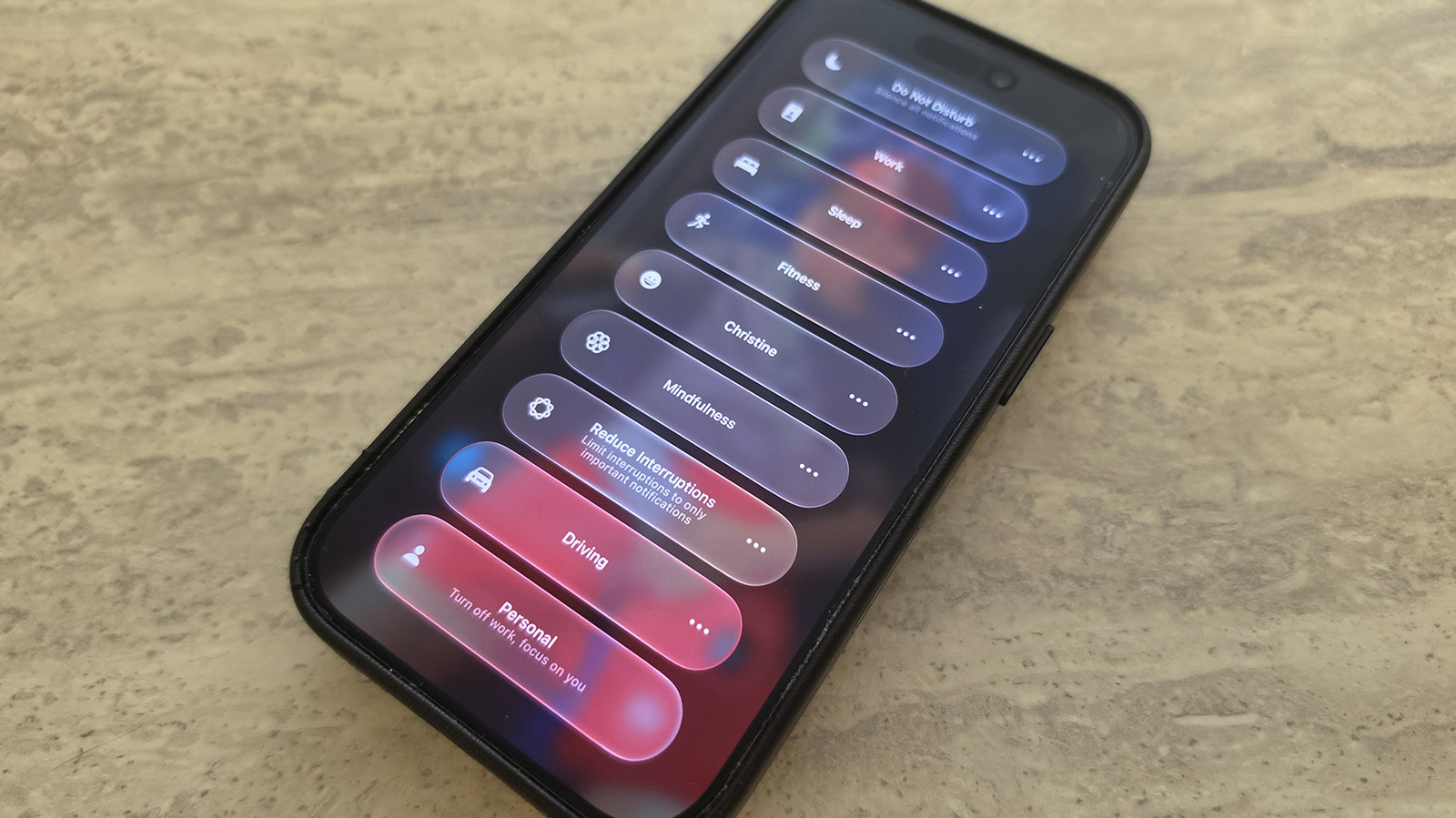

Discover the enhanced features of Focus mode in iOS 27, which may not be the most significant update, but offers exciting improvements.
Focus mode is one of the most effective tools available on your iPhone for minimizing distractions. This feature allows you to customize which alerts you receive and when. It includes preset modes such as Work, Personal, and Sleep, along with the flexibility to create personalized settings. For instance, you can silence notifications from social media while still receiving important messages from family members.
To activate a Focus mode, swipe down from the top-right corner of your screen to access the Control Center. Tap the Focus panel and choose your desired mode. To customize your Focus settings, navigate to Settings, scroll down to Focus, and select any option to modify what notifications are allowed and what gets silenced.
Although Focus mode has been part of iOS for several years, iOS 27 introduces valuable enhancements to this feature. If you haven’t updated your device yet, consider doing so to take advantage of these improvements.
Key Enhancements in Focus Mode for iOS 27
Christine Persaud for Engadget
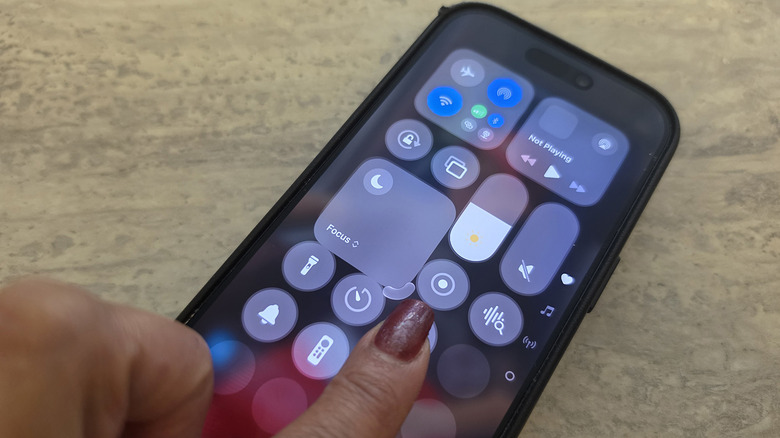
IOS 27 allows you to modify how the Focus icon appears in the Control Center. To do this, open Control Center and long-press any empty area until the edit mode activates. You can then drag the bottom-right corner of the Focus icon to adjust its size according to your preference. Previously restricted to a space of 2×1 in iOS 26 and earlier, you can now shrink it to a compact 1×1 circle or expand it to a larger 2×2 square for quicker access.
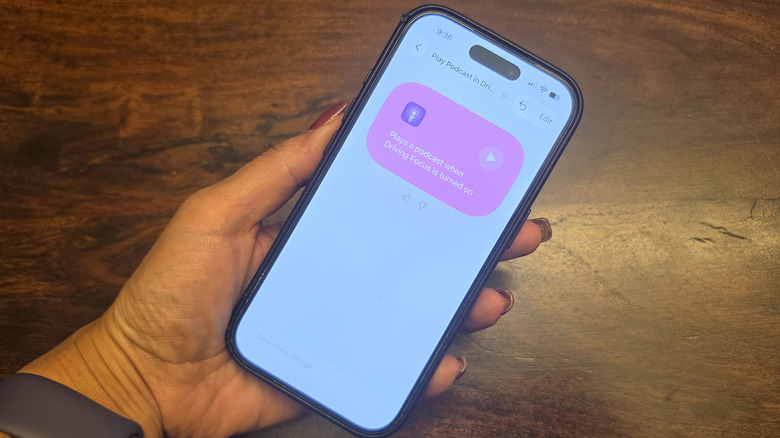
This update also enhances Focus mode tracking, enabling you to create more effective Shortcuts. As noted by Derek Seaman, Shortcut actions can now respond to your phone’s specific state based on the active Focus mode. For example, I developed a Shortcut that instructs my phone to play a podcast when I activate Driving focus mode. Sleep Focus mode can now serve as an automation trigger.
Another significant update is the support for “Otherwise if” logic statements within Shortcuts and Focus mode triggers. This means you can set up a Shortcut to perform a specific action when Sleep Focus is active, while triggering a different action if Driving focus mode is selected. Your device can monitor transitions between modes and execute actions accordingly. This feature allows for more precise control over automated tasks, making them relevant to the current Focus mode rather than relying on a single trigger.
Enhance Your Automations with Focus Mode
Christine Persaud for Engadget
IOS 27 introduces significant advancements in Siri AI capabilities. You can now utilize natural language commands to instruct Siri to create a Shortcut that incorporates your Focus mode status, which has been enhanced in this update.
For instance, I have a custom Focus Mode named Christine that silences notifications from social media platforms like Facebook and Instagram while still allowing alerts from Slack and my Ring video doorbell. You can also designate specific contacts, such as your boss or spouse, to ensure you receive critical messages.
I have programmed a Shortcut that launches my workout app automatically whenever I activate Fitness mode. Although these changes may seem minor, they significantly streamline daily tasks by making actions easier to initiate. Familiarizing yourself with Focus mode and integrating it with Shortcuts can lead to personalized phone automations. Focus Mode stands out as one of Apple’s top productivity features, and utilizing it can greatly enhance your efficiency.



 Daniel Mercer