Brandon Fletcher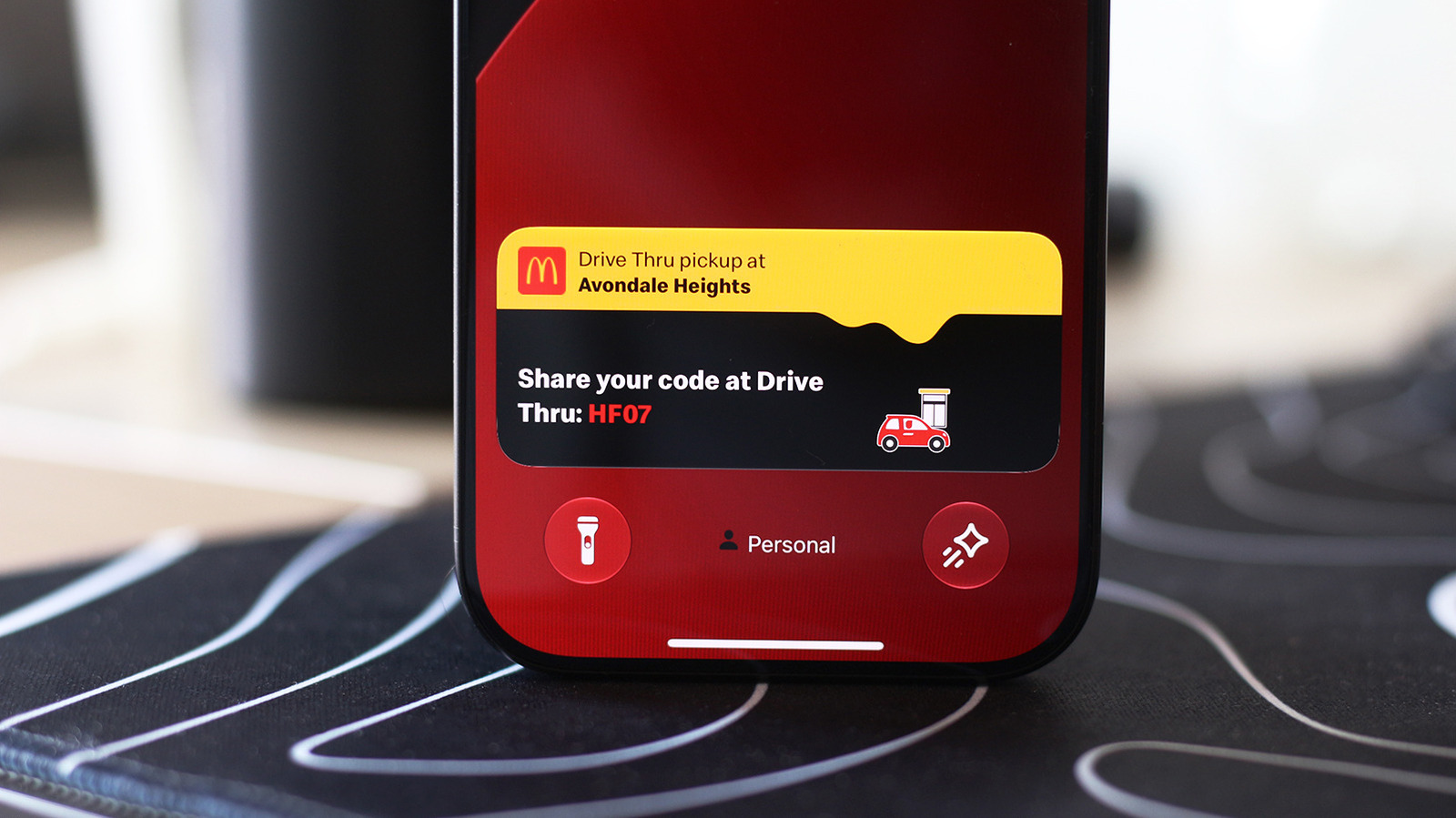

Stay updated on essential notifications without the need to constantly open the app.
When the iPhone 14 Pro was introduced, it featured a distinctive pill-shaped cutout for the front camera, a design element that set it apart from the hole-punch cutouts common in many Android devices. Apple has maintained this design across its flagship models, with a notable reduction in size for the upcoming iPhone 18 Pro series, excluding the more affordable “e” models and the iPhone Duo.
This cutout is not merely for aesthetics; it houses essential components, including sensors necessary for Face ID functionality. Instead of camouflaging the pill with intricate wallpaper designs, Apple embraced it by integrating the Dynamic Island feature, transforming a design limitation into an interactive component of the iOS experience.
Live Activities on your iPhone utilize the Dynamic Island to showcase information that you might want to monitor while using your device. This feature allows you to easily view timers, navigation updates, music playback, and sports scores without switching back to the relevant app. Numerous third-party applications, including food delivery and flight tracking services, have also adopted the Dynamic Island for enhanced user experience.
While Live Activities are typically enabled by default, you may need to verify their status for specific apps. To do this, go to Settings > Apps and select any app that is not displaying Live Activities. Ensure that the Live Activities toggle is activated. Although Live Activities function independently of regular notifications, enabling notifications for the app can help ensure you receive the updates you expect.
These Live Activities will also be visible on your Lock screen when your device is inactive. To confirm this feature is active, navigate to Settings > Face ID & Passcode. Enter your passcode, then scroll to the Allow Access When Locked section to verify that the Live Activities option is turned on.
How to Effectively Use Live Activities with CarPlay
Adnan Ahmed for Engadget
CarPlay enhances your driving experience by allowing you to access crucial information from your iPhone without becoming overly distracted. This includes the ability to view Live Activities, which keep you updated on food deliveries or flight information while on the road.
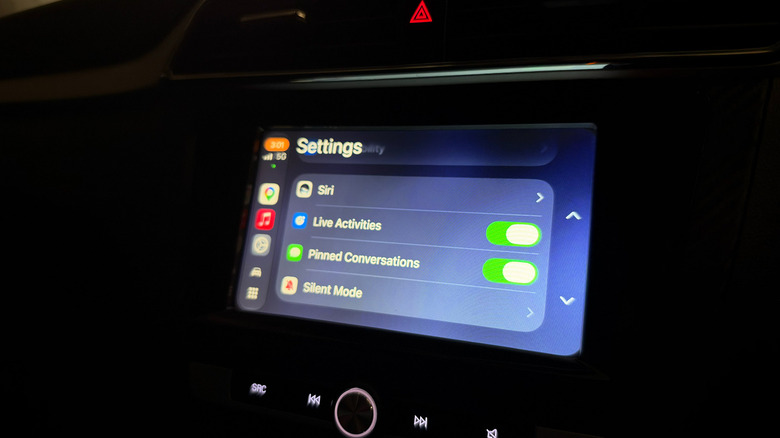
When connected to CarPlay, Live Activities from your iPhone automatically appear on the CarPlay Dashboard, which is the split-screen view situated to the left of your app list. If you’re using a full-screen app, these Live Activities can still be found as notifications at the bottom of the display. Should they become distracting, you have the option to disable Live Activities within CarPlay or turn them off for specific apps.
If Live Activities are not displaying as expected, open the Settings app in CarPlay, scroll down, and ensure the Live Activities toggle is activated. confirm that the Suggestions in CarPlay or Suggestions in Dashboard options are enabled. If issues persist, consider disabling Driving Focus if it is currently active.
You can customize your CarPlay experience by adding widgets that provide quick access to controls and information from your apps without needing to open them. Widgets are located in the leftmost section of the CarPlay Dashboard. Take some time in the Settings app to explore more customization options for your CarPlay display.


 Daniel Mercer
 Ethan Carter