Ethan Carter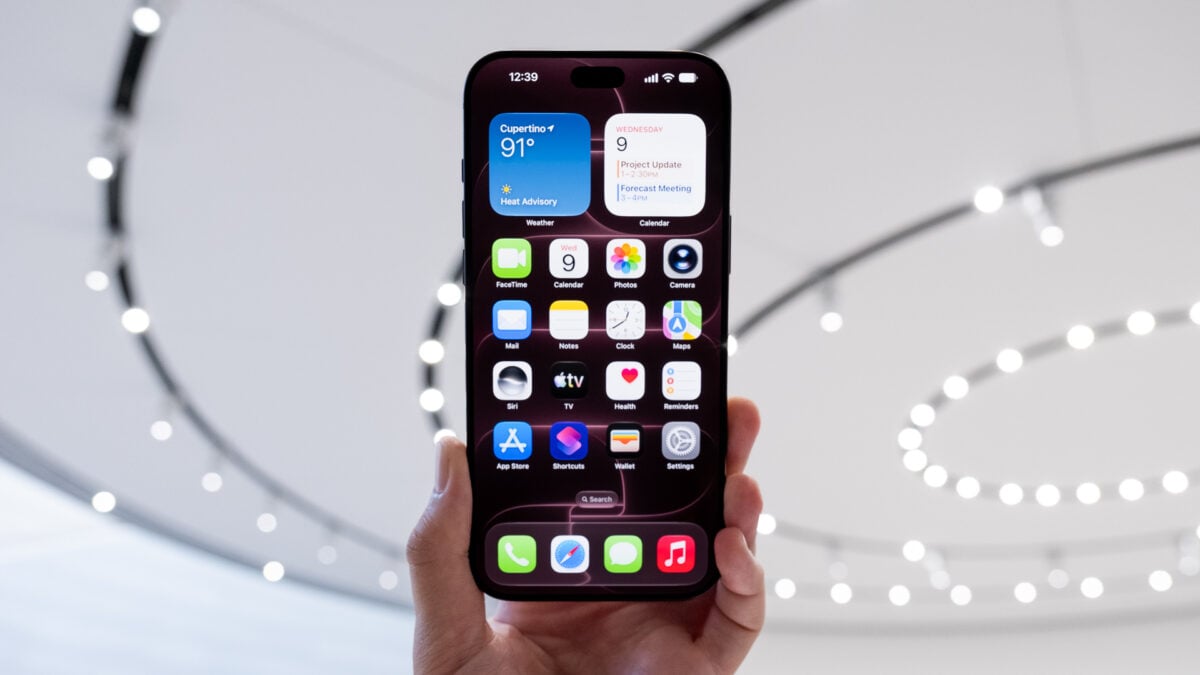

Are you curious about the latest updates surrounding Siri AI? Starting today, September 14, you can download iOS 27 on your compatible iPhone and explore its new features.
As promised, iOS 27 introduces Siri AI, enhancing the virtual assistant’s ability to comprehend personal context derived from your texts, emails, calendar events, and more. This update empowers Siri to perform actions on your behalf, such as extracting appointment details from your messages and adding them to your calendar. Apple still categorizes Siri AI as a “beta,” acknowledging that the technology might not always function flawlessly. As with any AI, exercise caution when utilizing its capabilities.
After updating, users will discover a dedicated Siri app designed to manage new chatbot prompts and modify Siri settings. If you’re using an iPhone 17, M3 MacBook Air, M3 MacBook Pro, or an M4 iPad or later, you can also customize Siri’s pitch, speed, and accent. It’s important to note that Siri AI is initially launching in English, with other languages, including French, Japanese, Korean, Portuguese, and Spanish, expected to roll out in October.
If you don’t see the update available on your iPhone right away, simply wait a few hours; it should appear in your device settings. to Siri AI, iOS 27 includes enhanced Apple Intelligence features, such as improved photo editing tools that allow for “spatial reframing.” This function enables users to adjust the perspective of a photo post-capture, utilizing AI to generate the necessary pixels.
IOS 27 also introduces several non-AI-related features, including adjustments to the much-discussed Liquid Glass aesthetic. Users now have access to a Liquid Glass opacity slider, allowing for customization of transparency levels for app icons and user interface elements. For parents, Apple has implemented new child safety features to help restrict access to specific websites and manage screen time across different apps.

Apple is also launching updates for macOS 27, iPadOS 27, watchOS 27, and visionOS 27 across all recent devices. For example, the Vision Pro now enables users to set personal panoramas as “spatial scenes” within the headset. macOS Golden Gate features unique functionalities alongside Siri AI, such as a chatbot interface for creating new Shortcuts automations on laptops and desktops. Recent Apple Watches include a “Workout Buddy” feature, but to interact with Apple’s AI through your wrist, you’ll need to have an Apple Watch Series 9, Apple Watch SE 3, or Apple Watch Ultra 2 or later to access the full range of new capabilities.
We invite you to share your thoughts on these updates. Gizmodo will keep you informed about how these features interact with the upcoming iPhone 18 Pro models, Apple Watch Series 12, and M6 Mac mini as they become available over the next few weeks.


 Daniel Mercer