

 David Bridges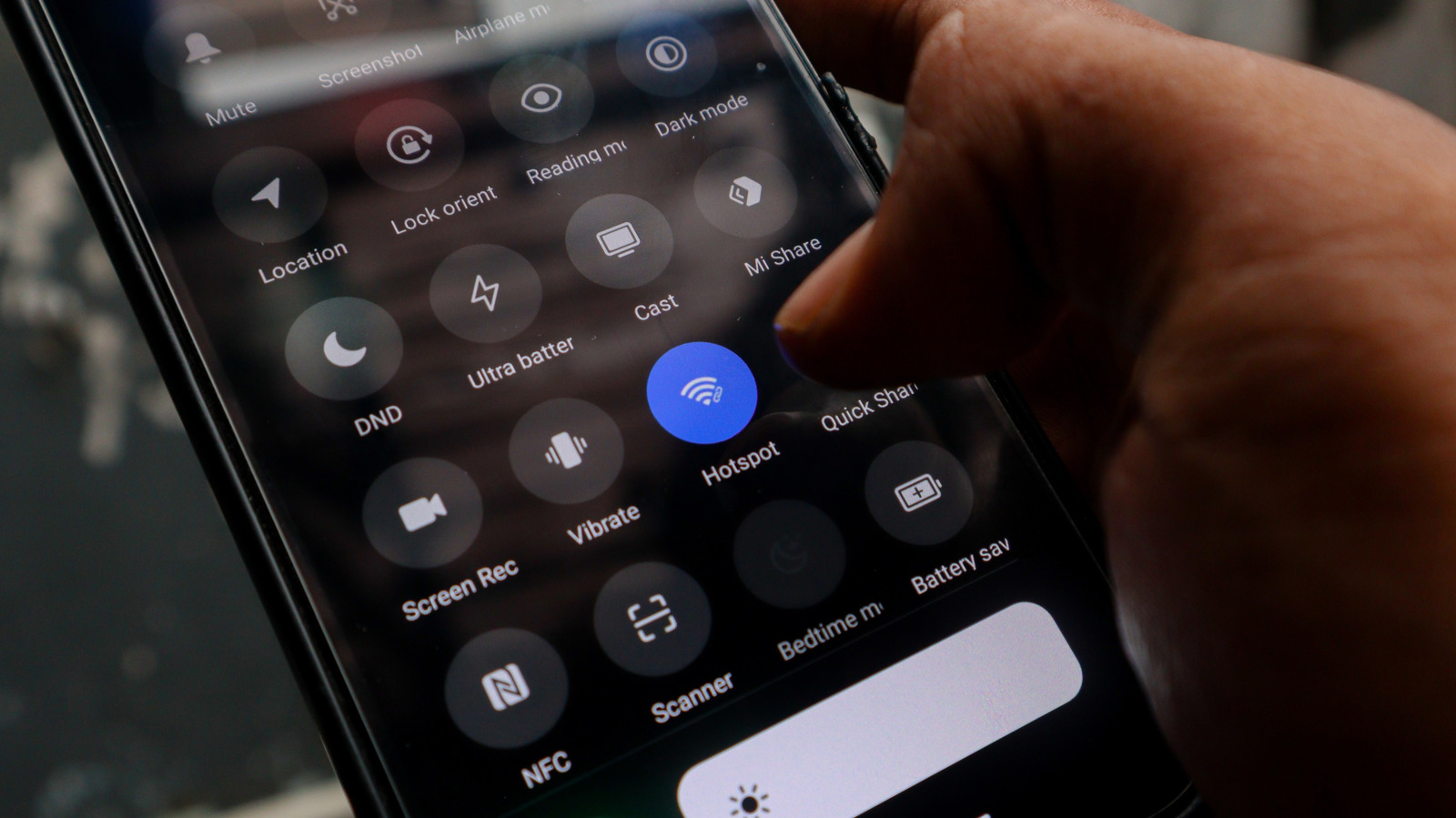

Quickly Eliminate Wi-Fi Dead Zones in Your Home.
If you have an old Android phone collecting dust in a drawer, you might already possess the perfect solution for enhancing the Wi-Fi coverage in your home. Instead of investing in expensive hardware like extenders, mesh nodes, or more powerful routers, consider repurposing an older Android device.
Many households have at least one outdated Android phone that is no longer suitable for daily use but still functions adequately. Before you recycle it, think about how it could serve a new purpose. With just its built-in settings and access to a power outlet, this phone can effectively operate as a Wi-Fi extender, improving signal strength in those hard-to-reach areas of your home.
You won’t need any additional apps, extra hardware, or advanced technical skills. The Android device’s built-in hotspot feature allows it to connect to your existing Wi-Fi network and retransmit the signal, thus extending your coverage area.
How Can an Android Device Function as a Wi-Fi Extender?
Weak internet signals in certain areas of your home can be frustrating. While there are various methods to address this issue—such as optimizing your router’s antenna placement—it can be bothersome until resolved. Options are available for purchase; for instance, upgrading to a mesh system or a new router can be costly, and a Wi-Fi extender typically costs around $50, depending on the model. Instead of spending money, consider utilizing the technology you already own.
Your Android phone can tap into your home Wi-Fi network and broadcast the signal as a distinct hotspot. This allows you to connect other devices, such as laptops, tablets, and smart TVs, to this enhanced Wi-Fi signal. Think of it as a relay; the phone receives Wi-Fi from your router and transmits it to other devices that require connectivity. While this method is not equivalent to a mesh system, it offers a cost-effective and straightforward solution for areas with poor coverage.
Steps to Configure Your Android Phone as a Wi-Fi Extender
MIRACLE PROJECT/Shutterstock
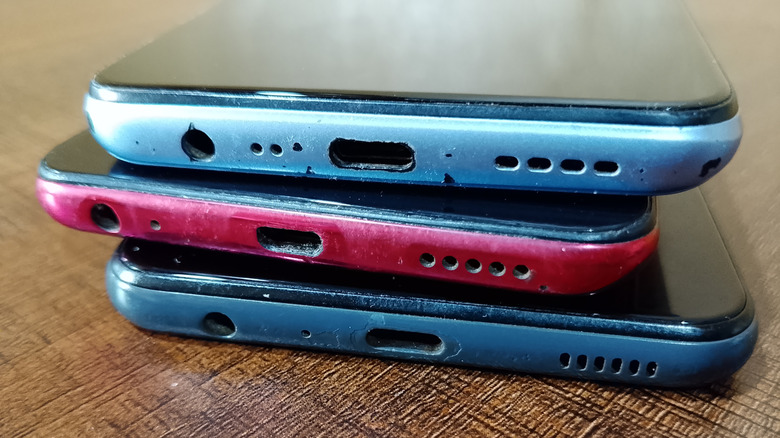
The setup process is simple and can be completed in just a few minutes. Start by finding your old Android phone, charging it, and ensuring it has the latest software updates.
-
Navigate to Settings, select Network & Internet > Internet. Choose your home Wi-Fi network and enter the password when prompted.
-
Access Settings > Hotspot and Tethering and activate Wi-Fi Hotspot. Alternatively, you can find the Hotspot icon in the quick settings menu—just familiarize yourself with the Android status bar icons.
-
Tap on the Wi-Fi hotspot option to rename the network and create a strong password for security and easy identification.
-
If available, select the 5GHz option under speed or band settings. This enhances performance for nearby devices, although it has a shorter range compared to 2.4GHz.
-
Position your phone midway between your router and the area with poor signal. Ensure it is near a power outlet for easy recharging. Older phones typically have limited battery life, and running a hotspot continuously will quickly deplete it.
Keep in mind that while this method extends your current Wi-Fi, it does not increase your internet speed. If your internet connection is inherently slow, the hotspot will not remedy that. any commercial Wi-Fi extender or mesh node will generally outperform this Android-based solution.
Another consideration is that this method lacks smart home integration. Dedicated Wi-Fi extenders often support smart home systems and seamless connectivity, while an Android hotspot creates a separate network, potentially causing connectivity issues for some smart home devices. You will also need to switch networks manually while moving throughout your home.
Comparing Android Phones to Commercial Wi-Fi Extenders: Which Option Should You Choose?
New Africa/Shutterstock
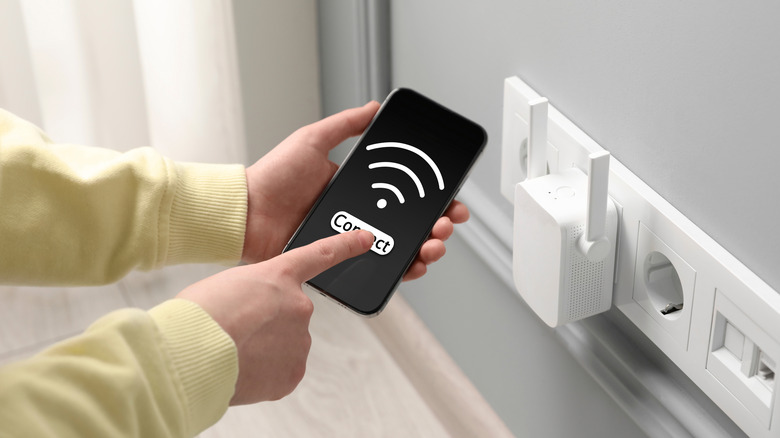
The decision between using an Android phone or investing in commercial alternatives ultimately hinges on your needs. Are you prepared to upgrade your network now? Utilizing an Android phone as a Wi-Fi extender incurs no cost, making it a great temporary solution or an addition to address a specific weak area. for improved range and performance, a commercial Wi-Fi extender, mesh node, or new router will be more effective. Choose the Android phone method if you require a quick fix and already have an unused device available. You might also explore USB tethering for a stable connection, which can serve as a surprisingly effective Wi-Fi extender for certain scenarios. This setup is quick, free, and allows you to repurpose a device instead of discarding it. Just remember, this is a practical workaround rather than a long-term networking solution.


 Daniel Mercer
 Ethan Carter



