 Ethan Carter
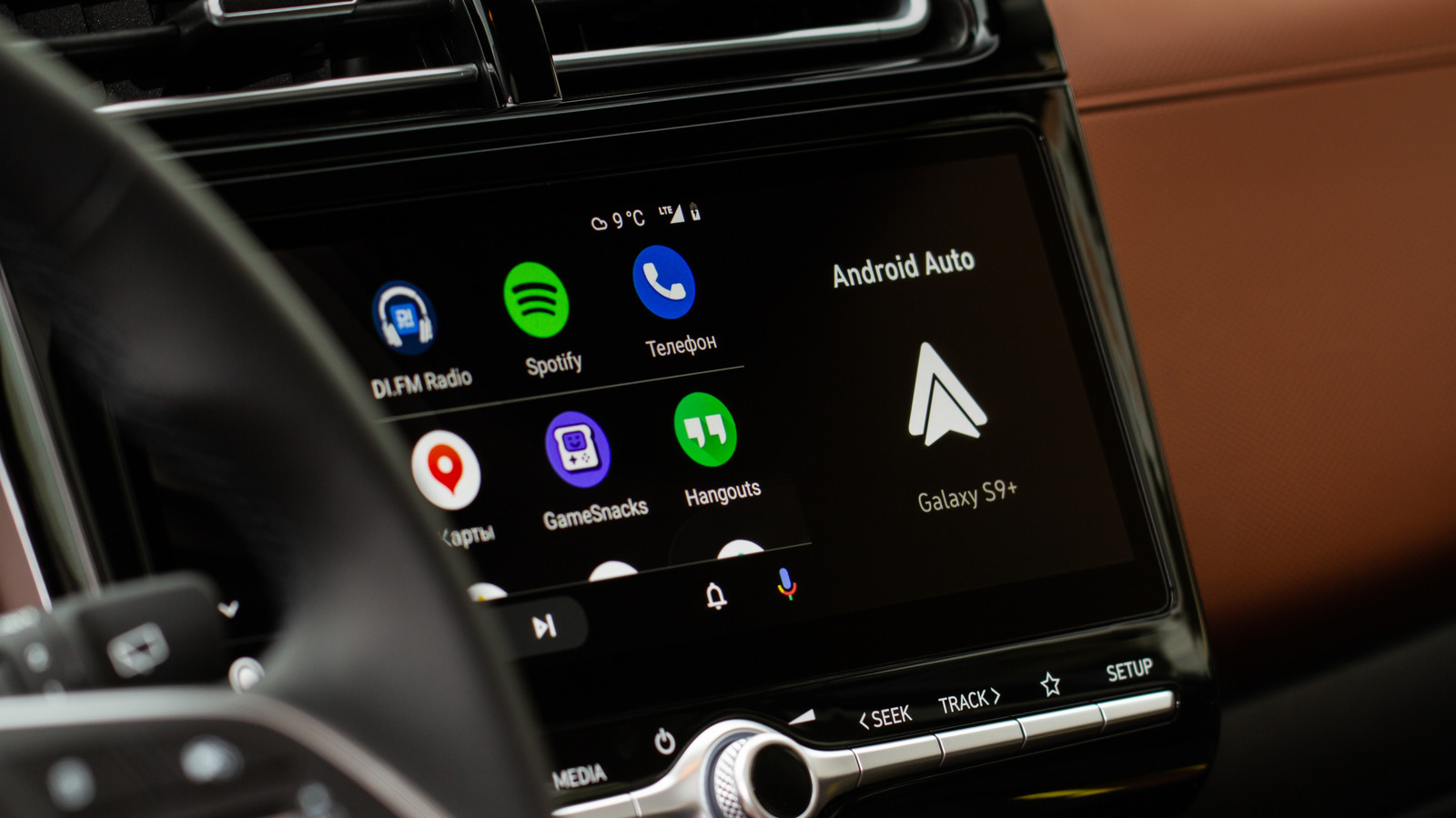

You probably prefer not to have your stereo blaring at full volume the instant you start your car.
If you have ever started your vehicle only to be overwhelmed by unexpected music, you understand the frustration caused by Android Auto’s autoplay feature. As soon as your phone connects—whether through USB or wirelessly—your last playlist, podcast, or audiobook resumes playing at the volume you previously set. This sudden blast of sound can be quite startling during a morning commute and can distract you when you would prefer a moment of silence before heading out. depending on your choice of audio, it may not be suitable for children if you are taking them to school.
Previously, addressing this issue involved numerous complicated workarounds, extra applications, and unnecessary steps. Fortunately, resolving this annoyance now typically requires just a simple toggle switch.
What steps can I take to stop audio from auto-playing on Android Auto?
TY Lim/Shutterstock
Begin by adjusting the settings within Android Auto. Navigate to Settings > Connected devices > Android Auto and look for the Startup section. Here, you will locate the toggle for the Start music automatically feature. If you have difficulty finding it, consider using the search function for Android Auto in your settings menu. Turning off this feature instructs Android Auto not to resume playback immediately upon connecting to your vehicle. Many drivers find that this single adjustment resolves the autoplay issue, and it is the first remedy suggested on Spotify’s support forums.
If toggling this option does not resolve the issue, the problem might stem from the Bluetooth connection rather than Android Auto itself. Android Auto relies on Bluetooth for managing phone calls and establishing the initial connection between your phone and car. One potential workaround is to remove your phone from the car’s Bluetooth memory and reconnect using only a USB connection, if your setup supports it. In some vehicles, this method can minimize unwanted playback triggers, although results may vary based on the car model, phone type, and connection method.
What causes Spotify to auto-play in my vehicle?
Google
If you have already disabled the Start music automatically option and Spotify continues to play automatically, you are not alone. Many Spotify users have reported experiencing this specific issue on community forums, with discussions dating back to 2022 that are still ongoing. It’s important to recognize that your vehicle may not always be the source of the problem. Any Bluetooth device connected to your phone, including headphones and speakers, can influence autoplay. According to Spotify’s support team, the behavior of autoplay can vary based on how different Bluetooth devices interact with Spotify’s API.
This distinction is crucial because Spotify cannot always prevent a connected device from sending a “play” command when it reconnects, powers on, or resumes playback. Before assuming it’s an issue with your phone or considering reinstalling the app, check if the autoplay occurs only with a specific Bluetooth device. Try using a different speaker, headset, or vehicle if possible. Keeping Spotify updated, along with your phone’s operating system and the device firmware, may help reduce connection issues, though there is no guaranteed fix when the command originates from the Bluetooth accessory.
Due to Spotify’s design for seamless connections across a wide range of hardware, a universal solution may not be available anytime soon. Some drivers find success by adjusting settings in Android Auto, while others achieve results through Spotify’s app permissions. Many users report that neither solution consistently resolves the issue for their particular car or phone. If you exhaust all options, you might consider removing Spotify from Android Auto completely, although this means you will lose access to Spotify through your car’s display.
Ultimately, start by adjusting the Android Auto Start music automatically toggle, as this resolves the issue for many drivers. If music continues to play without your permission, attempt the Bluetooth unpairing method before considering removing the app from Android Auto entirely. Given the varying behavior of Bluetooth across different car models, expect some trial and error in finding a solution.


 Daniel Mercer

 Brandon Fletcher