 Daniel Mercer


Understanding VESA dimensions helps you identify the placement of mounting holes, but it’s also crucial to verify the mount’s weight capacity and the necessary hardware.
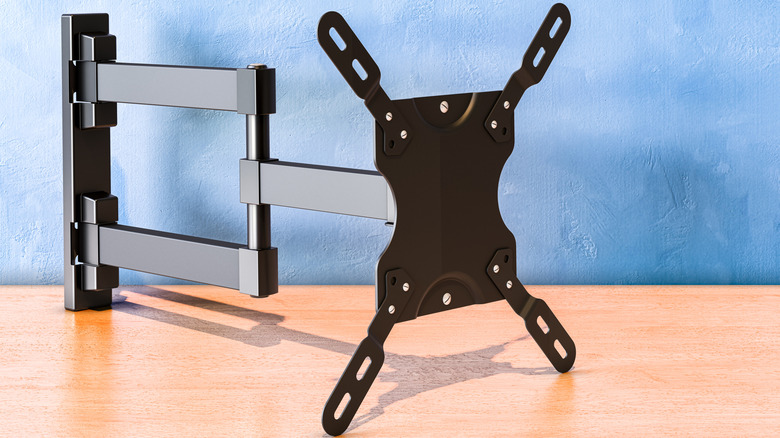
Fortunately, VESA 400 × 400 is not another unfamiliar TV resolution. VESA, or Video Electronics Standards Association, is a standard that specifies the spacing of mounting holes on the back of a television or display. A VESA mount isn’t a specific type of bracket, but rather it accommodates one or more of these standardized hole patterns.
What do VESA sizes like 200 × 200 indicate?
Naypong/Getty Images
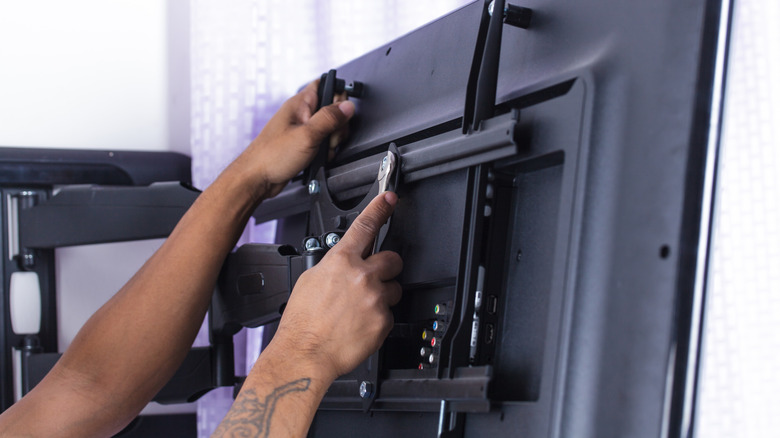
On the reverse side of a typical mountable television, you will notice threaded mounting holes, typically arranged in either a square or rectangular formation. The VESA pattern identifies the distance between these holes, measured in millimeters.
The first number represents the horizontal distance while the second indicates the vertical distance. For instance, a TV with a 400 × 200 pattern has mounting holes spaced 400mm apart horizontally and 200mm apart vertically. Conversely, a 200 × 200 pattern denotes a spacing of 200mm in both directions.
The VESA measurements do not reflect the TV’s resolution or screen size. While larger televisions often have larger mounting patterns, the screen size alone is not a reliable indicator of the pattern used by a specific model. It is more dependable to verify your exact TV model rather than making assumptions based on size.
You are not restricted to a mount that matches your VESA size exactly. Many mounts are designed to accommodate multiple VESA patterns, allowing for flexibility. You simply need to ensure that your TV’s pattern is included in the list of supported patterns provided by the mount.
How can you determine your TV’s VESA pattern?
Natatravel/Getty Images
The simplest way to find your TV’s VESA pattern requires no measuring tools. Simply look up the exact model of your TV in its manual or on the manufacturer’s support website to locate the wall-mount or VESA specifications. Manufacturers usually provide the mounting-hole pattern in millimeters.
If you’re unable to locate the specifications, you can measure the mounting holes directly. Measure the distance from the center of one mounting hole to the center of the corresponding hole horizontally, then repeat this vertically. Record your results as horizontal × vertical, in millimeters.
For example, if the holes are 400mm apart horizontally and 200mm apart vertically, your TV features a 400 × 200 VESA pattern. Always measure in millimeters to ensure compatibility with the mount’s specifications.
Why is a matching VESA pattern insufficient?
Zayatssv/Getty Images
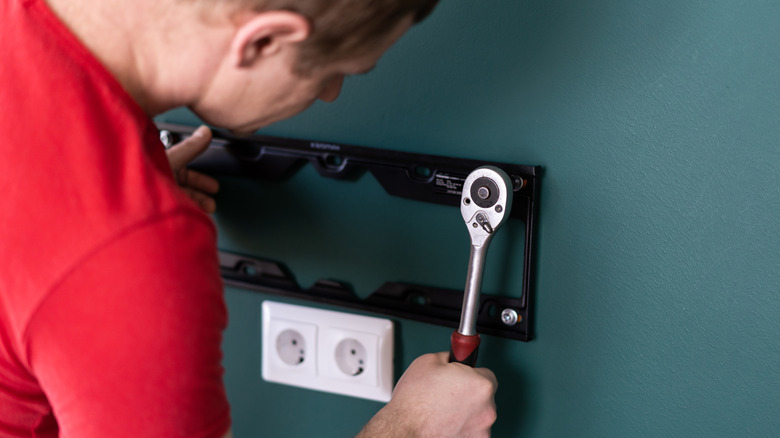
A matching VESA pattern indicates that the bracket aligns with the TV’s mounting holes, but it doesn’t guarantee that the mount can safely support the TV’s weight. the next critical specification to examine is the mount’s weight capacity.
Evaluate the mount’s maximum load against the weight of your television. Even if a bracket accommodates the correct VESA pattern, it may still be unsuitable if the TV exceeds the mount’s weight limit.
It’s also important to check the hardware necessary for your TV. VESA compatibility does not address the method of attachment to the wall. After confirming both the pattern and weight rating, refer to the TV manufacturer’s guidelines to identify the required mounting screws and follow the instructions from the mount manufacturer for proper installation.



 Ethan Carter