Daniel Mercer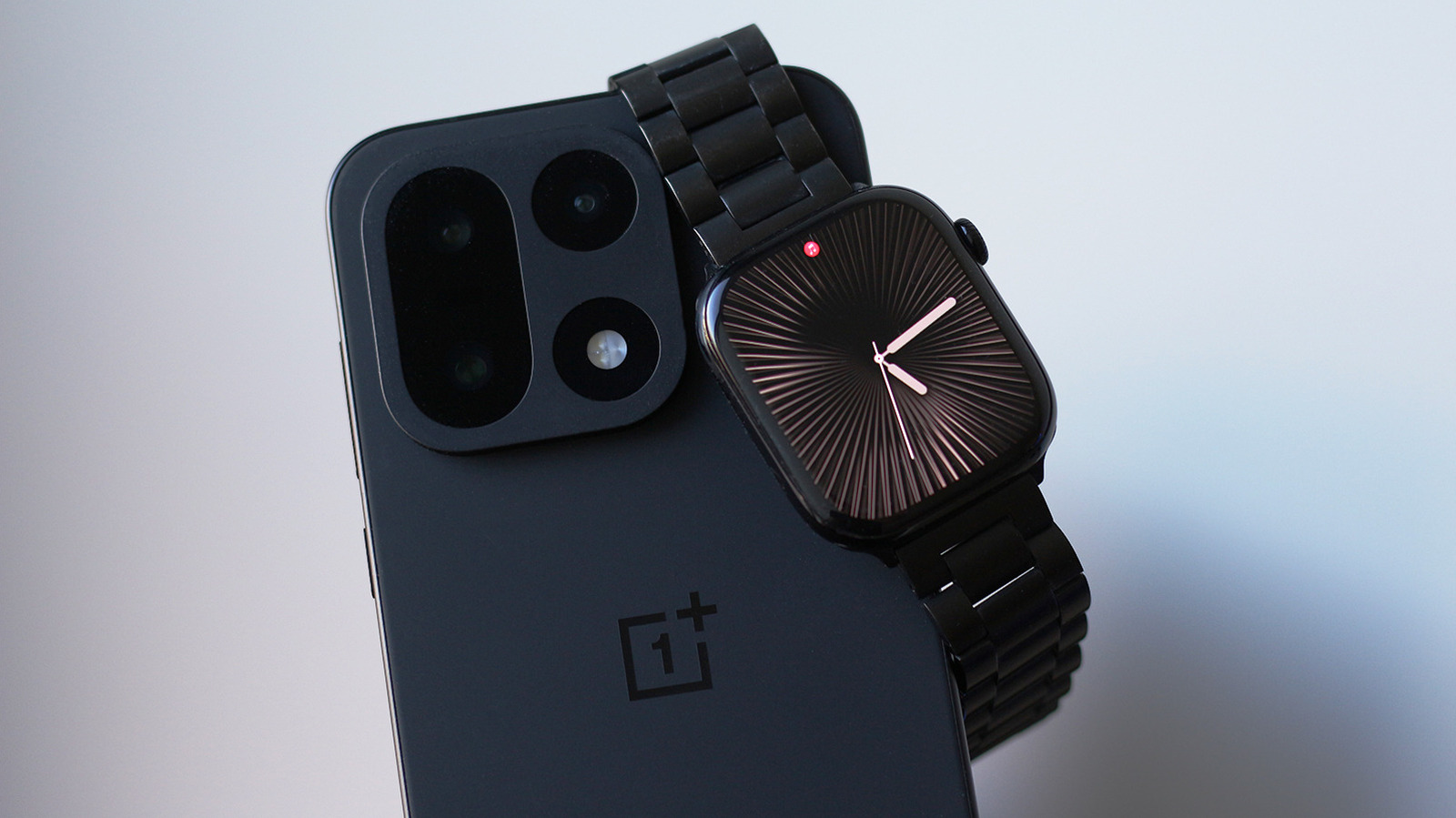

Transitioning to Android? Bring Your Apple Watch Along!
While the debate over whether the iPhone is the ultimate smartphone continues, one thing is clear: Apple excels at creating complementary devices. The AirPods reign supreme in the wireless earbuds arena, and the Apple Watch stands out as a leading smartwatch. these accessories perform best when paired with an iPhone. In fact, the Apple Watch does not function with Android devices at all.
After switching to a OnePlus phone, I found myself needing to carry my iPhone to keep my Apple Watch operational. That’s when I discovered Merge Watch, an app designed to connect your Apple Watch to an Android phone. Previously, there were workarounds to achieve this, but they typically required the cellular version of the Apple Watch, creating a disconnect between the two devices.
To start using Merge Watch, you must first set up your Apple Watch with an iPhone. Then, download the Merge Watch app on both the Apple Watch via its App Store and on your Android device from the Play Store. Open the app on both devices and allow the necessary permissions, including Bluetooth access, health data, notification access, and battery optimization exceptions. On your Apple Watch, select your phone’s name and confirm the pairing by entering the six-digit code displayed on your phone.
Health data will sync with Google Fit, although it may take some time to appear during the initial setup. If everything goes smoothly, your Android smartphone and Apple Watch should be able to communicate effectively.
What is the Performance of Merge Watch?
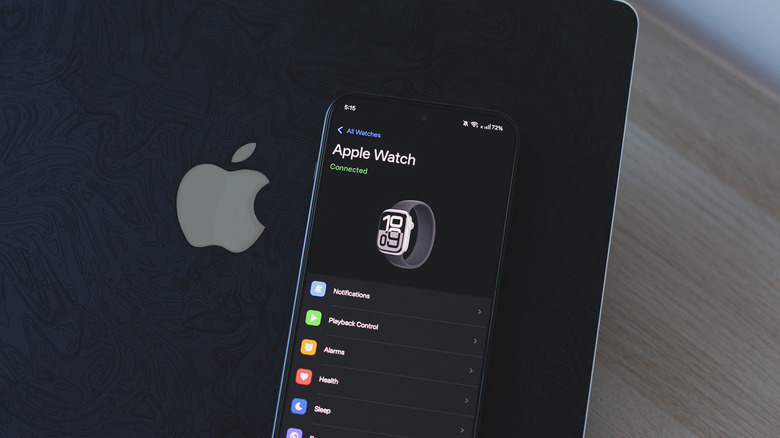
Adnan Ahmed for Engadget
Establishing a connection between the Apple Watch and Android is one aspect, but the extent to which the Apple Watch’s features are compatible with Android devices is another. Surprisingly, notification forwarding functions exceptionally well. Users can even respond to messages directly from their Apple Watch. While streaming music through Spotify or other applications, playback controls become accessible on your wrist. Although the Google Fit interface is not my favorite, it does successfully sync with the health data collected by the Apple Watch.
To avoid being overwhelmed by notifications, you can disable alerts for specific apps through the Merge Watch application on your Android device. ECG recordings and comprehensive sleep tracking data are available on your phone.
Despite the improved connectivity between my Android phone and Apple Watch, the overall experience is not as seamless as I had hoped, especially for a service that requires payment. Each notification that reaches my Apple Watch is routed through the Merge app instead of appearing as a standard watchOS notification. This creates a somewhat disjointed experience, similar to opening an app within an app just to check or respond to notifications.
All other apps installed on the Apple Watch function independently; it is primarily the Merge Watch app that facilitates notification forwarding and serves as the link between the two devices. This setup resembles notification mirroring, where your Android phone continues to notify you even if you are actively using your Apple Watch, unlike the iPhone, which intelligently determines whether a notification appears on the phone or watch. Given Apple’s restrictions, this may be the best solution available from a third-party developer.
Navigating the Apple Watch Experience on Android
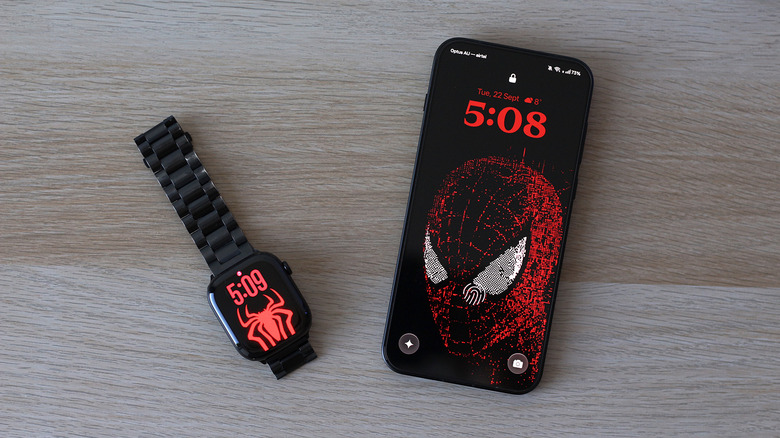
Adnan Ahmed for Engadget
Using a third-party app to manage sensitive information and health data requires some trust. Merge Watch’s privacy policy states that most data remains on your devices. When notifications are transmitted through an internet relay, they are end-to-end encrypted. the subscription model might be off-putting. To access all features, users must pay $6 per month.
I conducted a test with my iPhone turned off to determine if I could rely on my Apple Watch while using an Android device. The results were mixed. Merge Watch does not require the Apple Watch to have an internet connection, as it primarily uses Bluetooth for notifications. there were moments when the app failed to alert me on my wrist. Sometimes, I had to open the app on the Apple Watch manually to re-establish the connection, leading to situations where the watch buzzed multiple times once the app finally woke up.
I observed increased battery consumption on my Apple Watch, likely due to the app running continuously in the background to fetch notifications. I tested this setup on watchOS 27 using an Apple Watch Series 10 paired with my OnePlus 15 running Android 16. OxygenOS is known for aggressively managing background tasks to enhance battery life, and even with battery optimization disabled for Merge Watch, I still experienced occasional delays in notifications.
In summary, Merge Watch offers a reasonably reliable solution for those looking to connect an Apple Watch with an Android smartphone. While I would prefer a one-time payment option over a subscription, it’s challenging to complain given the limited alternatives available.


 Ethan Carter