Brandon Fletcher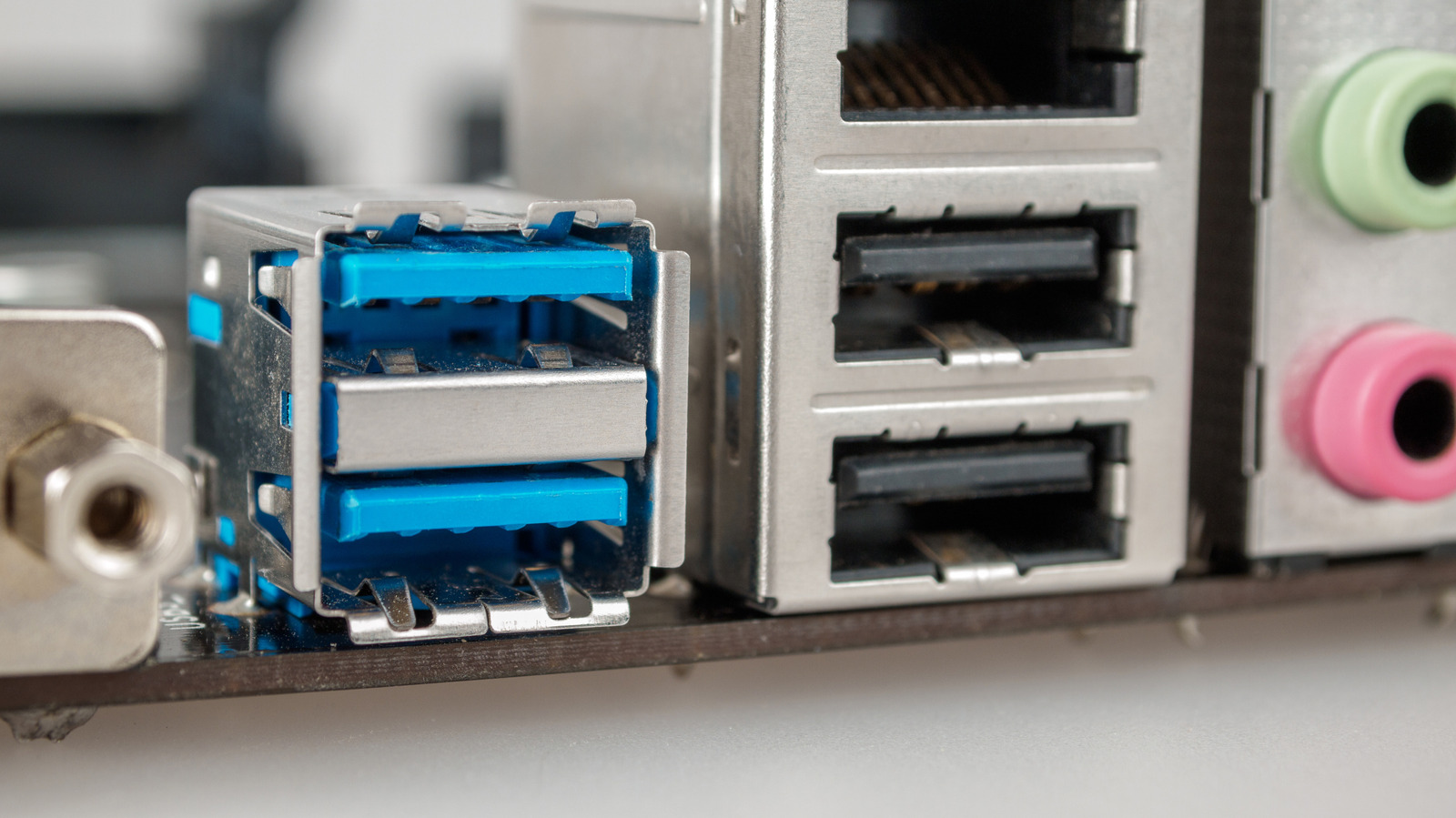

While both ports may appear similar, their performance capabilities differ significantly.
There are several USB standards available, but how do USB 2.0 and USB 3.0 differ from each other? If you’re contemplating which port to use for your essential PC peripherals, understanding these differences is crucial. While any USB port can power your devices, using USB 2.0 instead of USB 3.0 may result in slower performance.
The primary distinction is straightforward: USB 3.0 offers significantly faster speeds than USB 2.0. This means it facilitates quicker file transfers. the USB 3.0 standard provides greater bandwidth and power capacity, making it ideal for high-demand devices such as solid-state drives (SSDs) and Ultra HD webcams. Here’s how to identify whether you should connect your peripherals to USB 2.0 or USB 3.0 ports.
What are the key visual differences between USB 3.0 and 2.0?
Dave Meikleham for Engadget
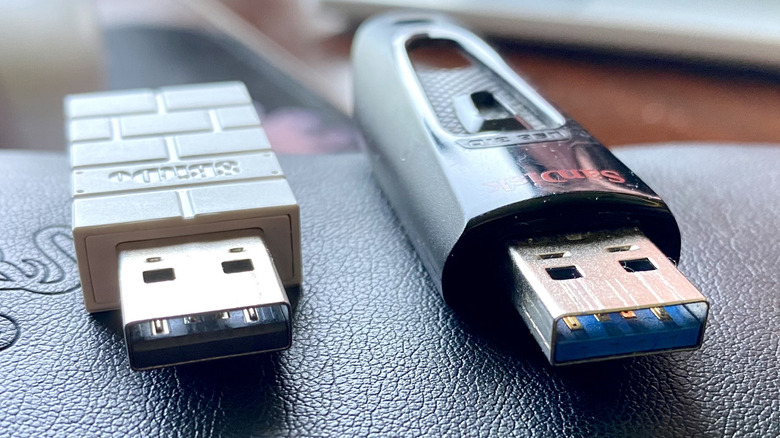
The simplest way to visually differentiate a USB 2.0 device from a USB 3.0 device is by looking at the color of the port. Typically, USB 2.0 ports are black or white on the inside, while USB 3.0 ports are often blue. this is not a hard and fast rule; some manufacturers may use different colors for USB 3.0, including purple.
In terms of performance, USB 3.0 significantly outpaces USB 2.0. The older USB 2.0 standard maxes out at speeds of 480 Mbps, whereas the initial version of USB 3.0 can achieve speeds of 5 Gbps (with the latest USB 3.2 standard reaching up to 20 Gbps). For practical file transfer scenarios, USB 2.0 generally averages between 20-40 MB/s, while USB 3.0 often measures between 300-500 MB/s. Power output is another differentiator; USB 2.0 delivers up to 2.5 watts, whereas USB 3.0 can offer up to 4.5 watts.
Is USB 2.0 relevant today, and when should I use it?
Dave Meikleham for Engadget
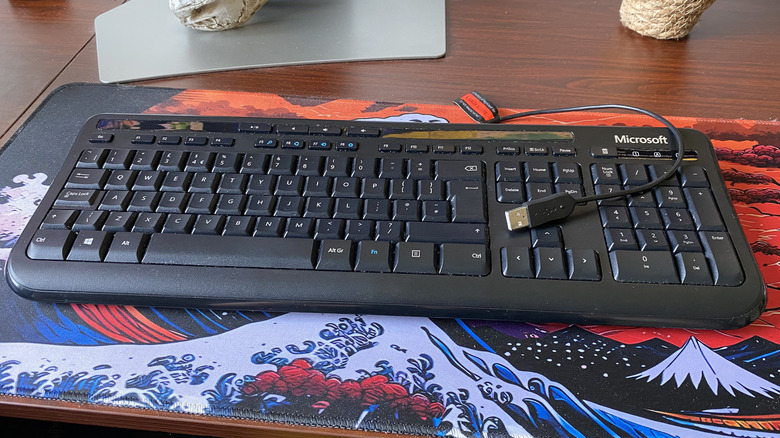
USB 2.0 devices remain widely used today. In fact, many mice and keyboards still operate on this older standard since they do not require extensive bandwidth. What USB port should you connect your mouse and keyboard to? Naturally, you should use a USB 2.0 port. These peripherals consume minimal power, so there’s little advantage to connecting them to a USB 3.0 port. Instead, reserve USB 3.0 ports for devices that demand higher bandwidth, such as external SSDs or 4K webcams.
Although USB 3.0 has taken over in many areas, USB 2.0 is still relevant. The manufacturing cost for USB 2.0 controllers is lower, yet they provide sufficient power and speed for many PC accessories, including printers, Bluetooth speakers, and wireless gamepad dongles. Since its introduction in 2000, the USB standard has maintained its presence and is unlikely to vanish anytime soon.
Is it safe to connect a USB 2.0 device to a USB 3.0 port, and vice versa?
Brianajackson/Getty Images
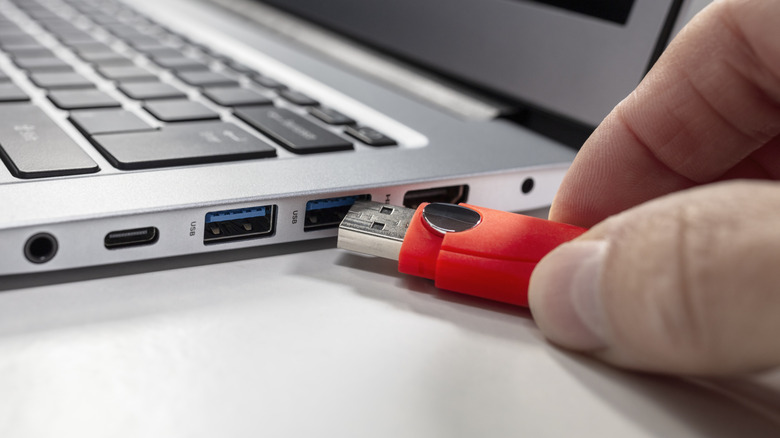
Absolutely, you can connect USB 2.0 devices to USB 3.0 ports, and vice versa. USB technology is designed to be backward compatible, so using a USB 2.0 device in a USB 3.0 port will work seamlessly. It’s advisable to reserve your faster USB 3.0 ports for high-performance devices, ensuring that you fully utilize their bandwidth. if your computer has available USB ports, connecting USB 2.0 keyboards and mice to USB 3.0 slots will not cause any issues.
The situation changes when you try to connect USB 3.0 devices to USB 2.0 ports. Doing so will limit the performance of the USB 3.0 device, as the maximum speed will be restricted to 480 Mbps. This restriction can diminish the advantages of owning a USB 3.0 device, such as an SSD, as you will not attain the faster transfer speeds expected. While the USB 3.0 device will function in a USB 2.0 port, it will not deliver optimal performance.


 Daniel Mercer
 Ethan Carter