Brandon Fletcher

Disconnecting your PC during a blackout is a crucial step to safeguard it.
Power outages can occur unexpectedly, often catching people off guard. In the rush to locate a flashlight, many forget about the safety of their electronics. if your PC remains plugged in when the power returns, it faces significant risks.
Some believe that simply turning off their PC will protect it during an outage, but this misconception can lead to damage. Even when powered off, a computer stays connected to your home’s electrical system. This connection poses a threat, as voltage spikes can occur during outages. Computers are particularly at risk because their components, including the motherboard, RAM, and SSD, contain sensitive circuits that can easily be damaged by unexpected voltage fluctuations.
Understanding the nature of these risks is vital. When power is cut abruptly, whether from grid overload, equipment malfunction, or a tripped circuit breaker, the electrical system doesn’t just stop. Instead, voltage can fluctuate dramatically before and after an outage. The surges that occur upon power restoration often inflict more damage than the outage itself. In the US, standard household circuits operate at 120 volts; even minor spikes above this threshold can permanently damage sensitive computer components.
Knowing how to protect your computer setup can help avoid costly repairs, data loss, and the hassle of sourcing replacement parts.
Why Turning Off Your PC Alone Is Not Sufficient
Skrypnykov Dmytro/Shutterstock
Even if you power down your PC before an outage, it may still be at risk. When power returns, electricity can travel through the cord and affect internal components, even if the machine is off.
Power surges are the leading cause of damage in these scenarios. They occur due to sudden increases in electrical current, often caused by lightning strikes or damage to nearby power lines. A lightning strike, even if it doesn’t hit your home directly, can send a surge through the local transformer and into your house’s wiring. When the power grid is restored, it frequently delivers an additional voltage spike, meaning the hazards extend beyond the initial blackout.
If your PC is operational during a power interruption, the sudden loss of electricity can create additional complications. Files that are in the process of being saved or updated may become corrupted, potentially rendering your system unusable, especially during operating system updates. if your computer uses hard disk drives (HDDs), abrupt shutdowns can damage their mechanical components.
Effective Strategies to Safeguard Your PC During Power Outages

Gregory_dubus/Getty Images
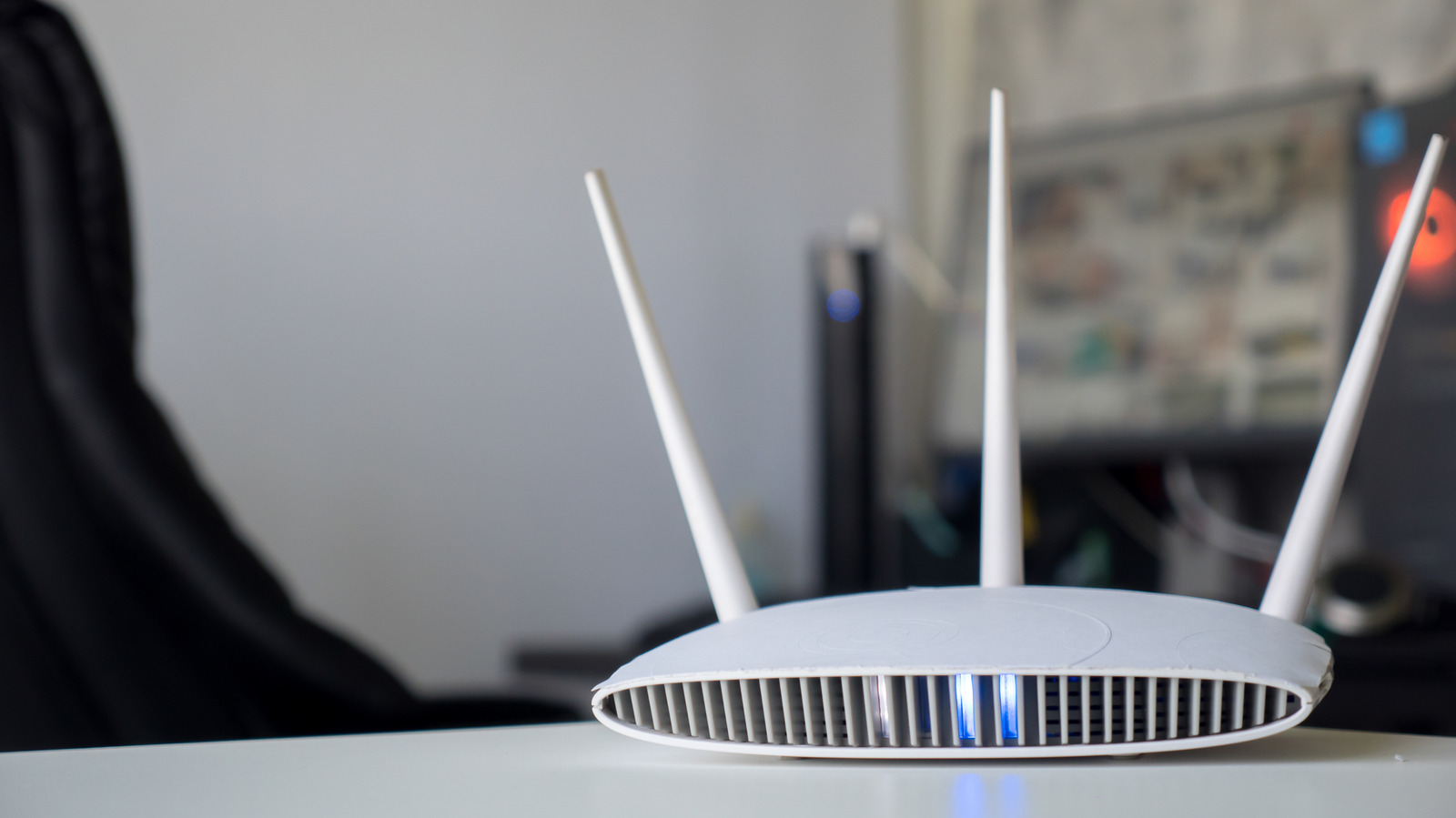
To protect your PC from damage during storms, always shut down your system and unplug it from the wall when severe weather is predicted. If a power outage is already occurring, unplugging the machine is still advisable. unplug your router, as it is one of the devices most likely to sustain damage during electrical storms. Regularly restarting your router is a good practice, so unplugging it won’t be detrimental. It’s also wise to disconnect other valuable electronics, like your television, to safeguard them.
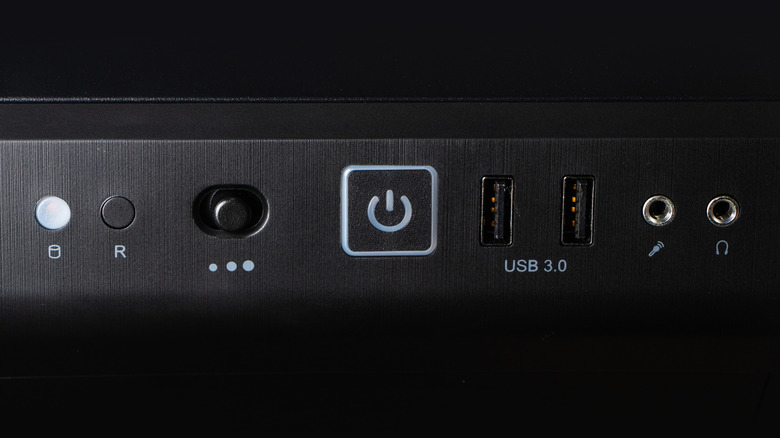
For desktop PCs, turning off the power supply unit (PSU) can help prevent current from entering the system. in the event of a severe incident like a lightning strike, this may not be enough. A surge protector is a much more effective solution. A high-quality surge protector serves as a frontline defense, absorbing voltage spikes before they can impact your equipment.
For optimal protection, consider investing in an uninterruptible power supply (UPS). A UPS combines surge protection with battery backup. While it isn’t designed to keep devices running for extended periods, it can provide enough time to save your work and perform a safe shutdown during brief outages. For comprehensive coverage, consult a licensed electrician about installing surge protection directly into your electrical panel, safeguarding every outlet in your home.
When power is restored, resist the urge to immediately reconnect all devices. Wait a few minutes to ensure stability before plugging anything back in. Start by reconnecting your surge protector, followed by your PC and any additional peripherals.
Unplugging your PC during a power outage takes only moments but is one of the most effective ways to protect your investment. When combined with a surge protector or UPS, this simple habit significantly reduces the risk of hardware damage and data loss. Given the potential consequences, it’s a minor effort that yields substantial benefits.


 Daniel Mercer
 David Bridges