Brandon Fletcher

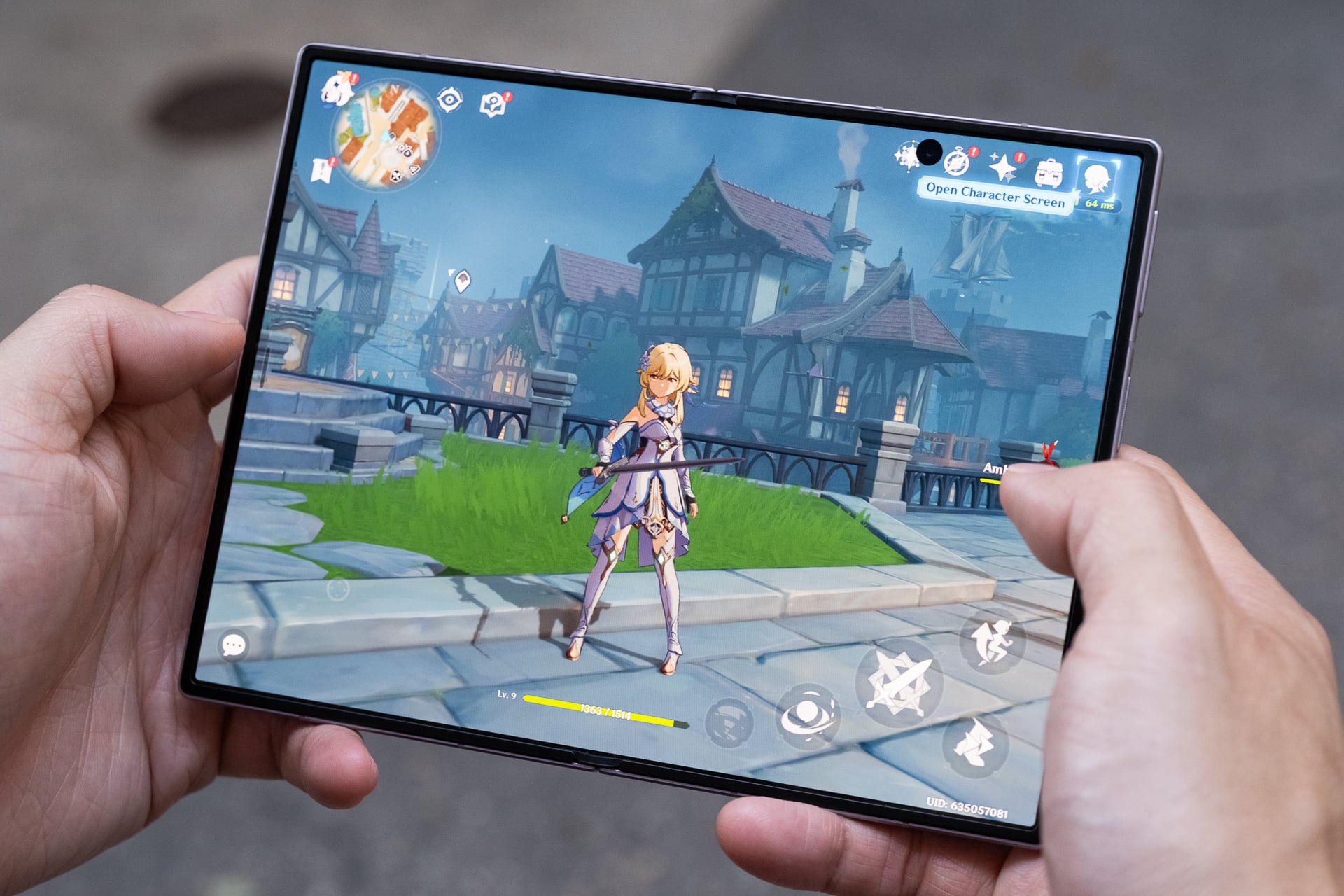
The Samsung Galaxy Z Fold 8 stands out as the finest smartphone I’ve ever experienced for content consumption. Whether you’re watching videos, gaming, reading, or even scrolling through social media, its expansive 7.6-inch inner display enhances the overall experience significantly.
The unique book-style foldable design might initially seem unconventional, but its compact and wider form factor quickly becomes familiar. The primary purpose of this design is to unfold it to access the larger tablet-like screen, and I found myself doing so frequently because it truly enhances usability.
Notably, the Z Fold 8 eliminates many drawbacks present in Samsung’s earlier foldable models. It is lighter and easier to open, boasts a larger battery that lasts all day, and features a significantly reduced crease on the inner screen.
While some applications may still struggle to display correctly on both screens, I confidently declare the Z Fold 8 a resounding success. I find myself using it constantly.
Samsung Galaxy Z Fold 8
The Galaxy Z Fold 8 represents Samsung’s most refined iteration of a book-style foldable phone to date, despite its premium price tag.
- Slim and lightweight design
- Stunning AMOLED displays
- Noticeably reduced and flat crease
- All-day battery life with rapid charging
- Reliable camera performance
- User-friendly for one-handed operation
- Quick Share compatibility with Apple AirDrop
- Inner hole-punch camera may obstruct content
- Occasionally gets warm without reason
- Limited to IP48 water and dust resistance
- Lacks built-in magnetic ring for wireless charging
- Some apps not fully optimized
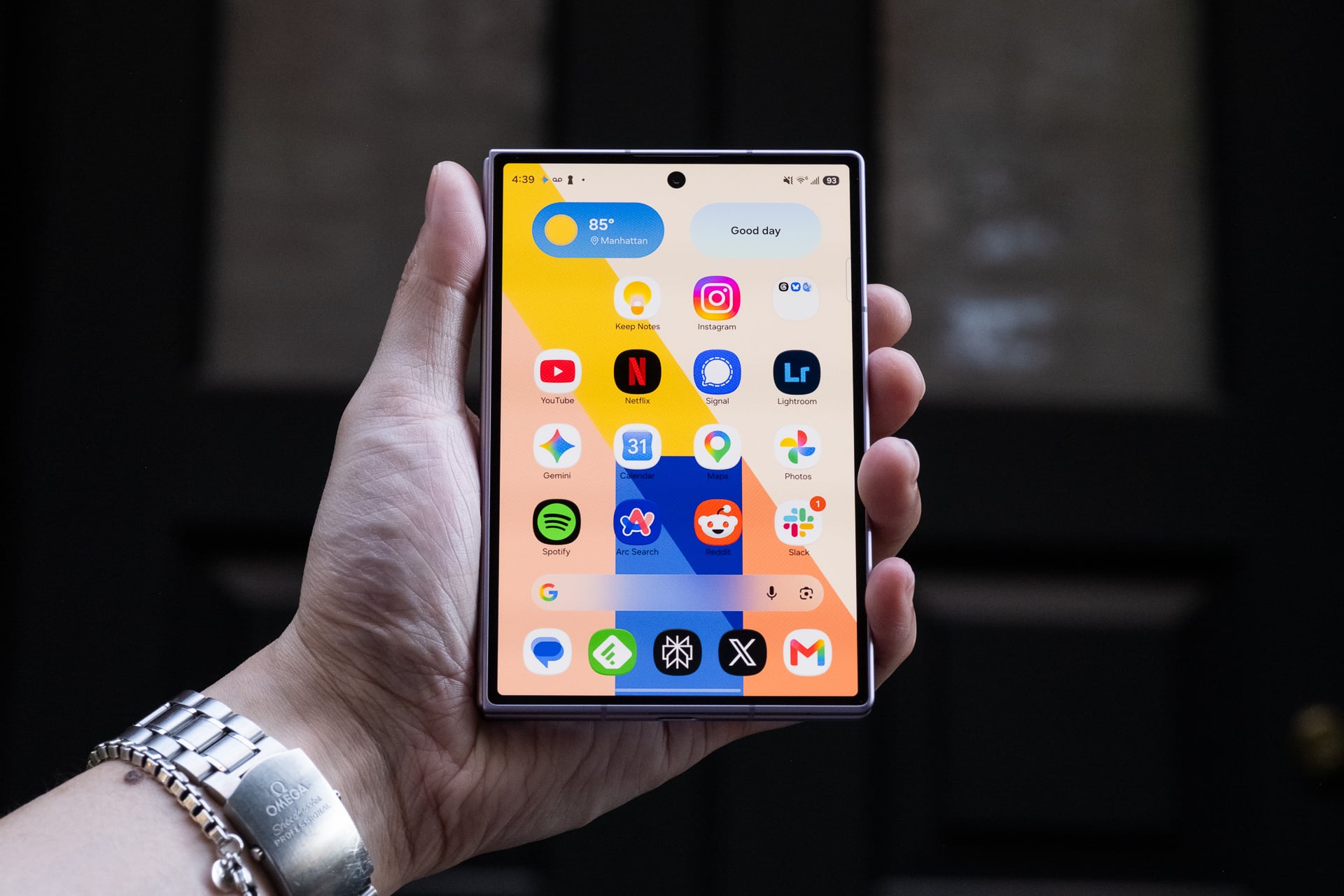
For size comparison, the Galaxy Z Fold 8 resembles a passport or a B7-sized notebook. When closed, it measures 4.88 x 3.24 inches. Although slightly thicker than the Z Fold 8 Ultra, its compact dimensions and lightweight construction make it feel manageable. I can easily reach corner to corner on the 5.5-inch AMOLED cover screen—something I haven’t achieved with any standard-sized phone (6 to 6.9 inches) in years.
Surprisingly, it fits comfortably in my front pants pocket; I had initially worried that its width would be excessive. If you’re accustomed to the width of an iPhone 17 Pro Max or a Galaxy S26 Ultra, you’ll find the Z Fold 8 is only marginally wider.
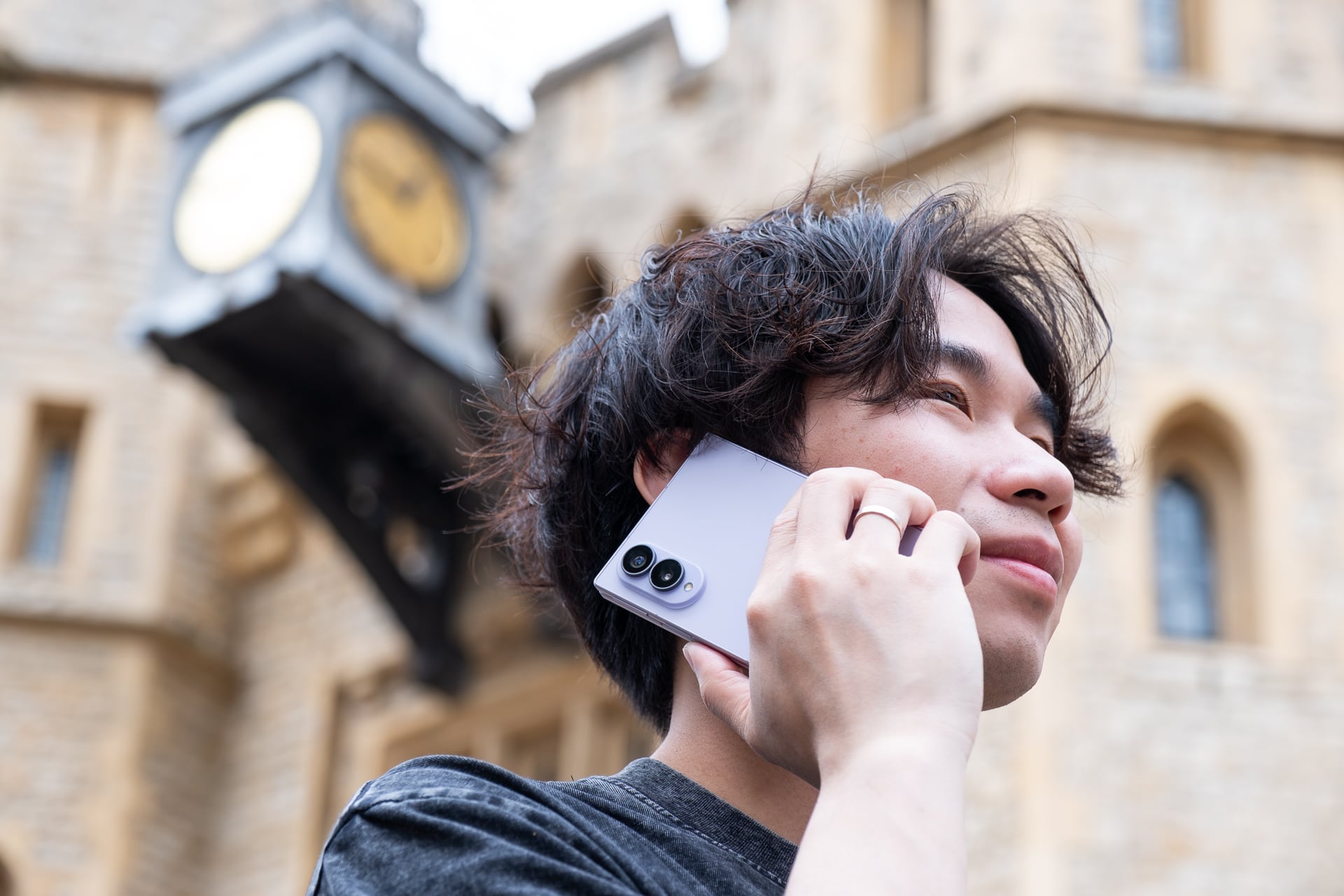
Reaching the power button and fingerprint reader with my right thumb is convenient. Left-handed users might face challenges as they cannot utilize their thumb and will need to use their index finger, which might feel slightly awkward. I find the volume rocker to be positioned too high; I prefer the lower placement on the Z Fold 7 or Z Fold 8 Ultra. Typing with both hands on the cover screen is significantly easier than on narrower devices, leading to fewer errors compared to my experience on an iPhone. One-handed typing may be manageable depending on your hand size and thumb reach.
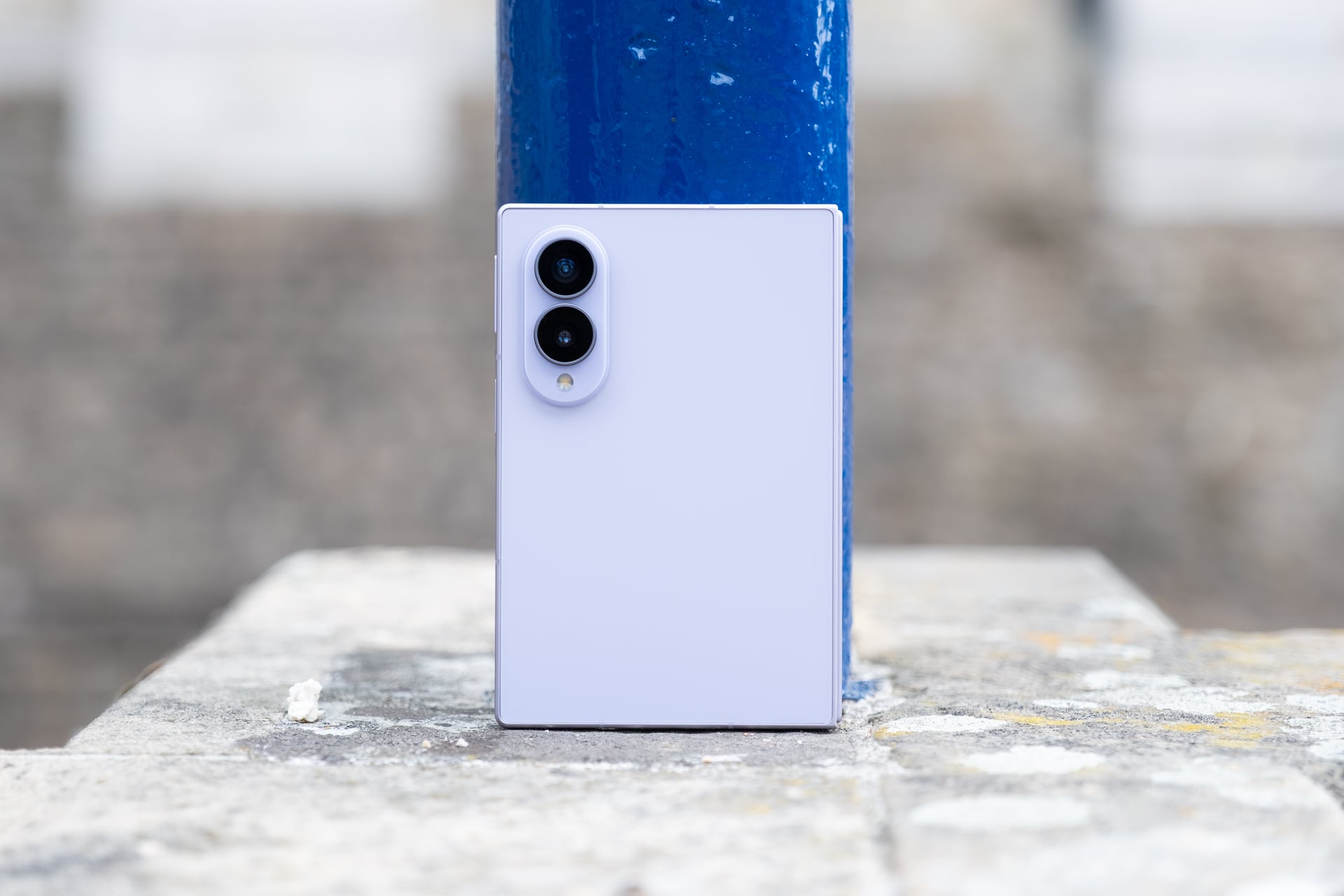
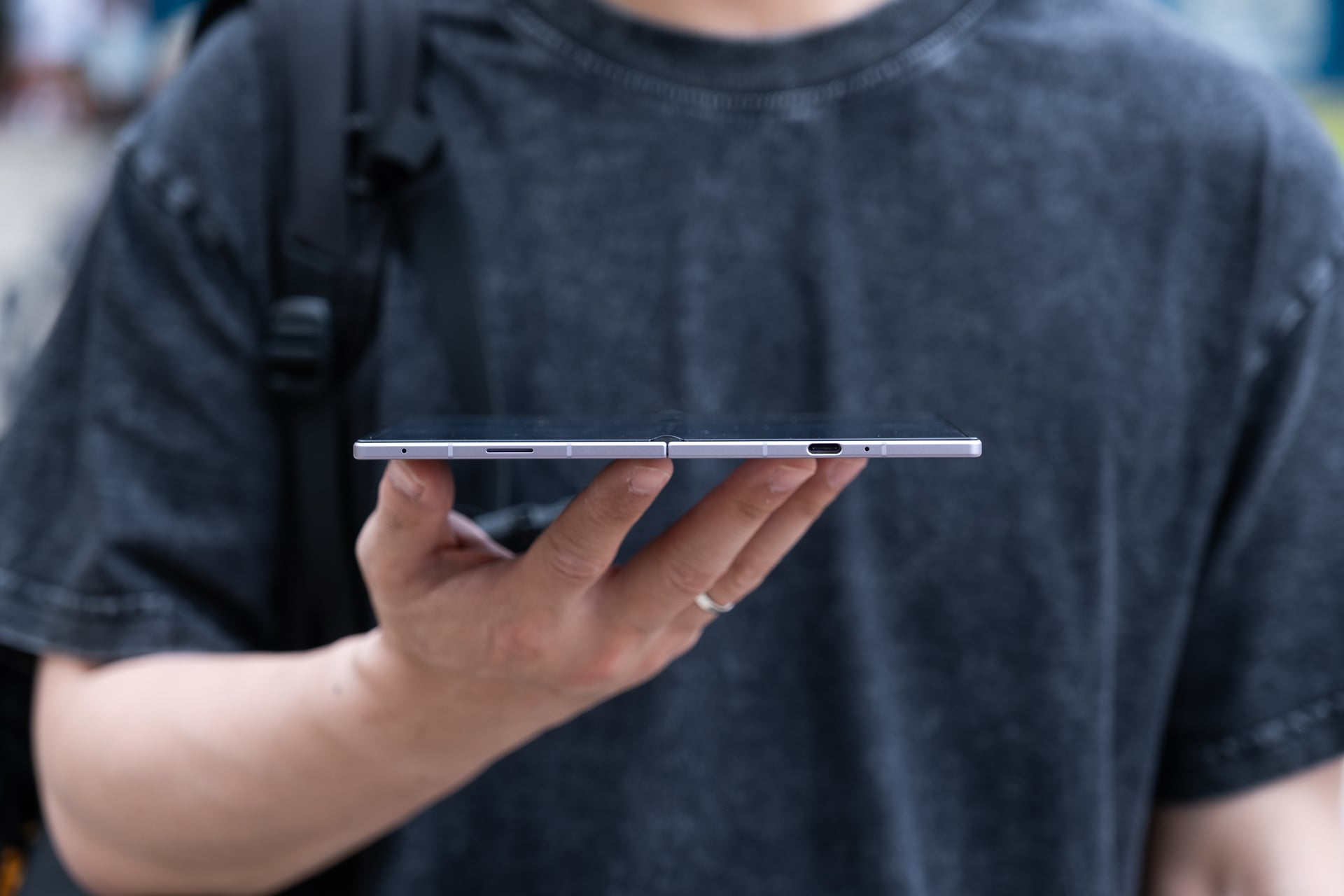
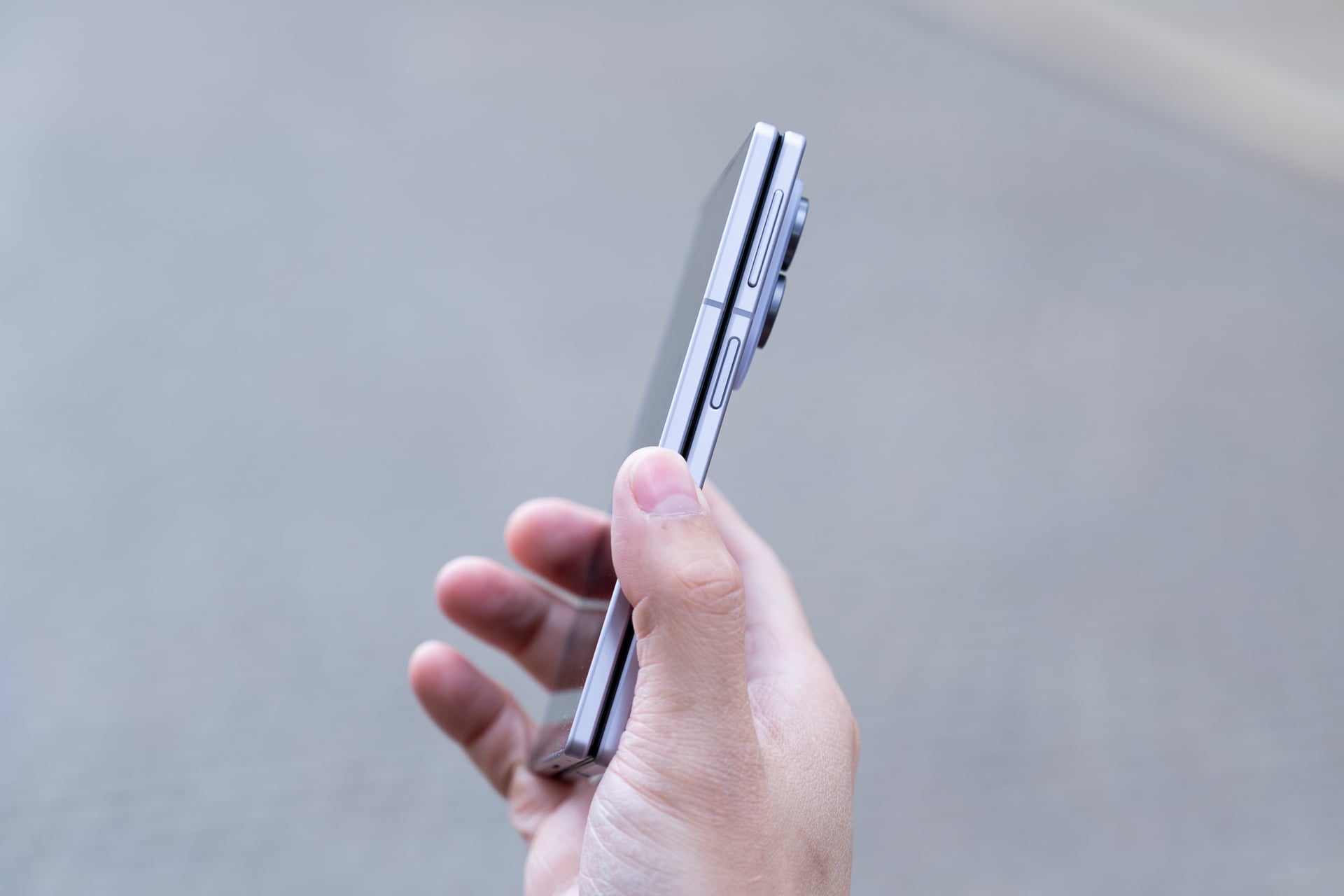
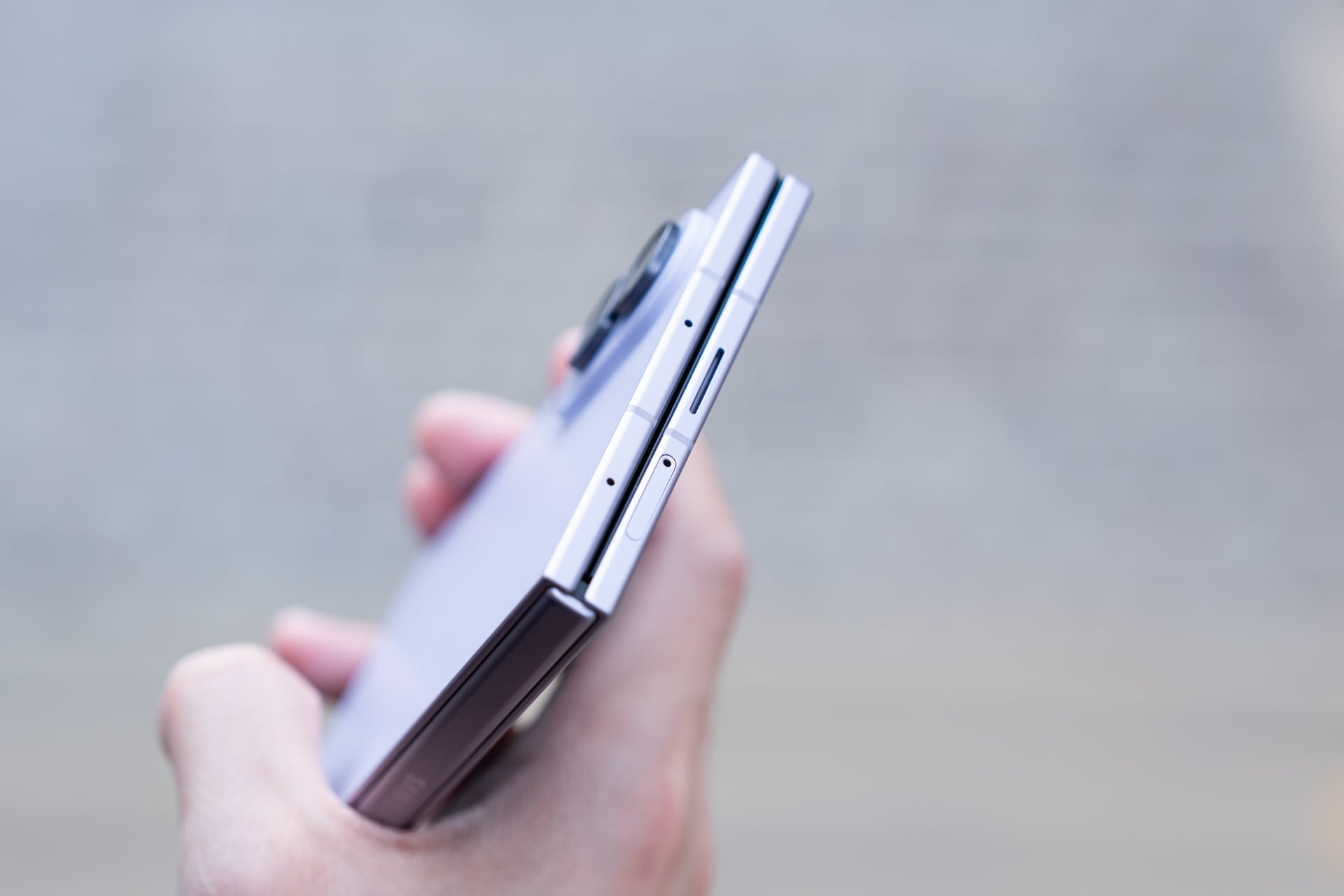
The cover screen’s 10:16 aspect ratio feels surprisingly spacious. Although it sacrifices some vertical space compared to standard phones and taller foldable models like the Z Fold 8 Ultra, resulting in less visible content and more scrolling, this becomes a non-issue when you switch to vertical orientation after unfolding the device. I found myself appreciating the shorter cover screen, as it reduced my urge to use it unless I intended to unfold it.
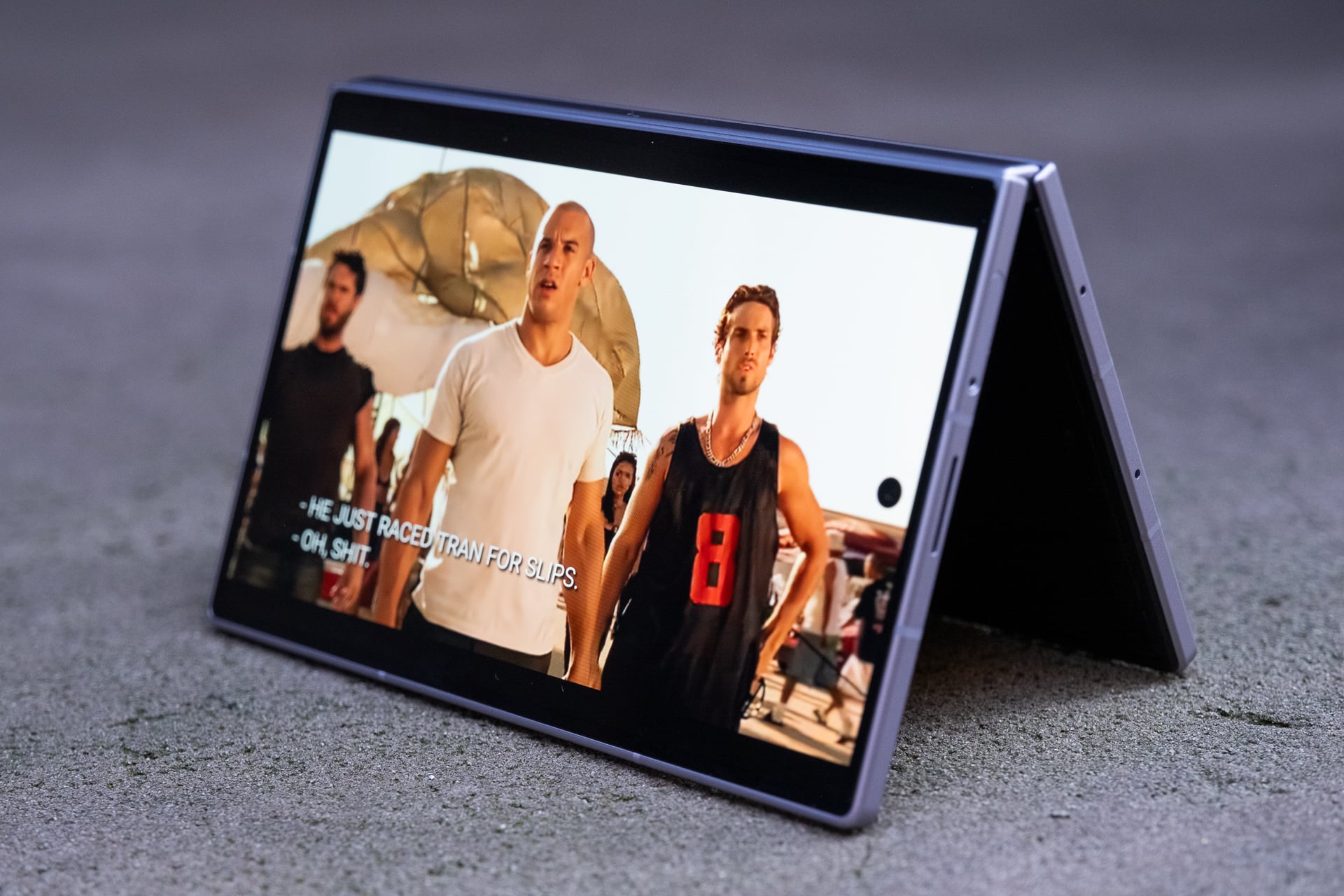
The Z Fold 8 supports “tent” mode, making it convenient for hands-free use, for instance, while watching content on a plane tray or when relaxing in bed. As someone who travels frequently for work, I find tent mode particularly beneficial. One feature exclusive to the Z Fold 8 Ultra is “Flex mode,” which allows the screen to be positioned like a mini laptop, with certain apps displaying content above the crease and controls below. Personally, I never found Flex mode useful in previous Z Fold models, and I don’t miss it on the Z Fold 8. If this feature is important to you, consider opting for the Z Fold 8 Ultra instead.
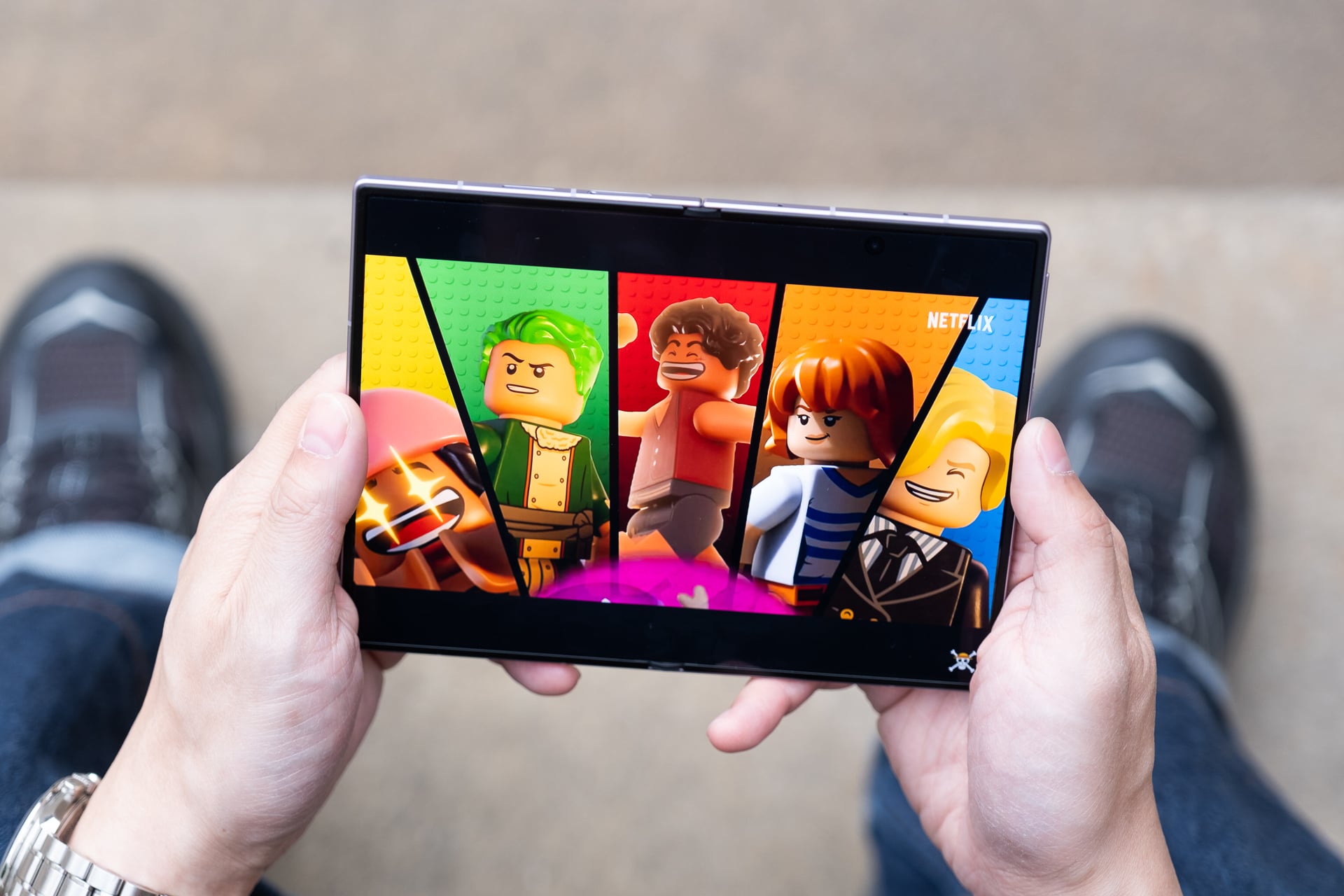
Among all the book-style foldables I’ve tested in the last seven years, the Z Fold 8 is the first one I’ve used more in its unfolded state than when it’s closed. With each iteration of the Z Fold, Samsung has made the dimensions resemble those of a standard bar-style phone. I praised the Z Fold 7 for finally moving away from the previous elongated design. Although I loved the Z Fold 7 as my favorite Android phone of 2025, I realized I used its inner screen less than half the time. The cover screen was simply too small to justify unfolding it for the larger display.
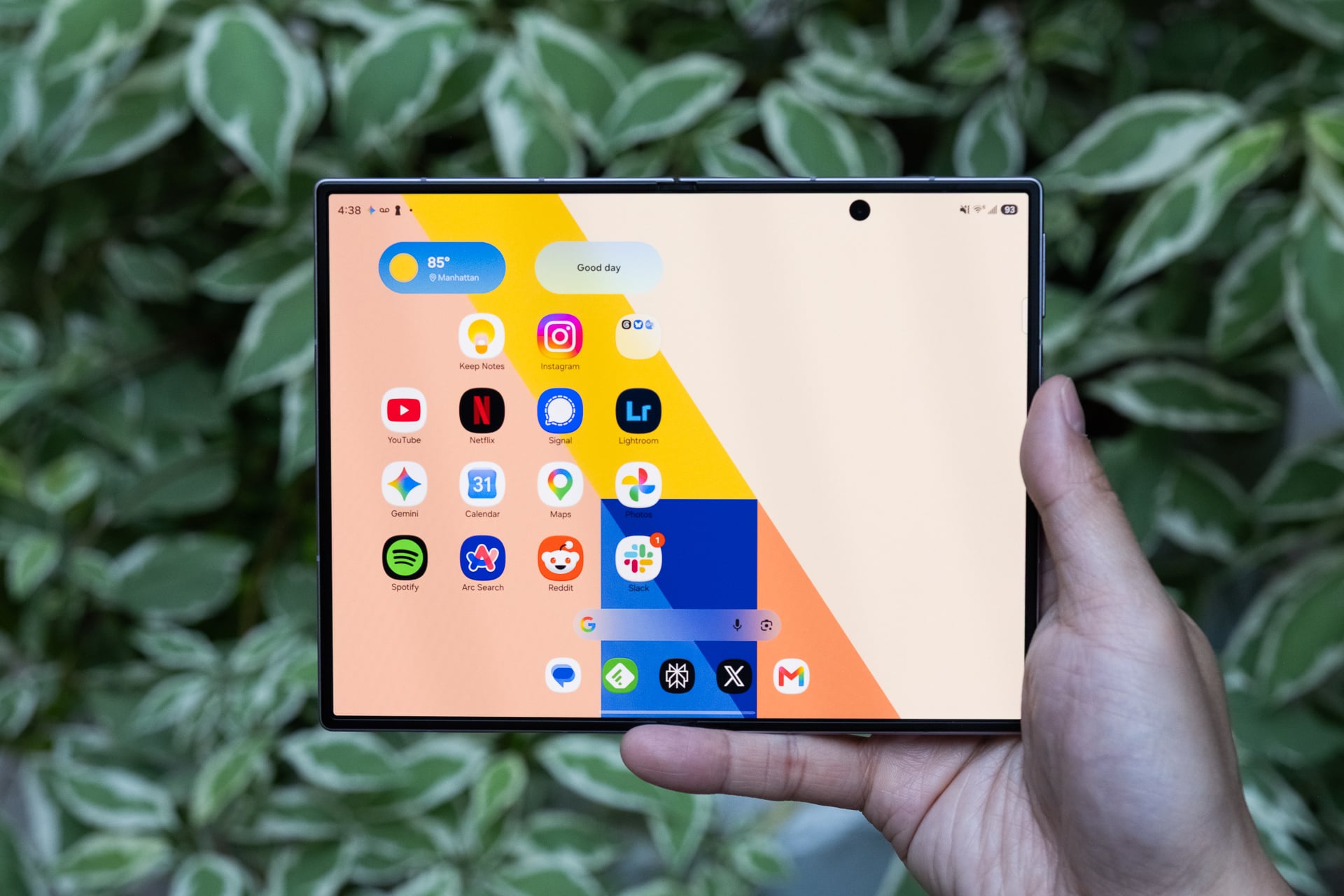
That’s not the case with the Z Fold 8. Thanks to the shorter cover screen, I find myself unfolding it frequently to access the larger display. This could be attributed to the new Flex Titanium technology, which enhances the hinge’s responsiveness, or the beveled aluminum frame that simplifies the unfolding process. The larger inner screen with its 4:3 aspect ratio is more advantageous for most content compared to the more square shape of the Z Fold 8 Ultra’s display. Achieving a similar diagonal screen size for widescreen content on the Z Fold 8 Ultra requires rotating the device, which adds an extra step. This minor inconvenience becomes significant when you find yourself unfolding the phone numerous times throughout the day.
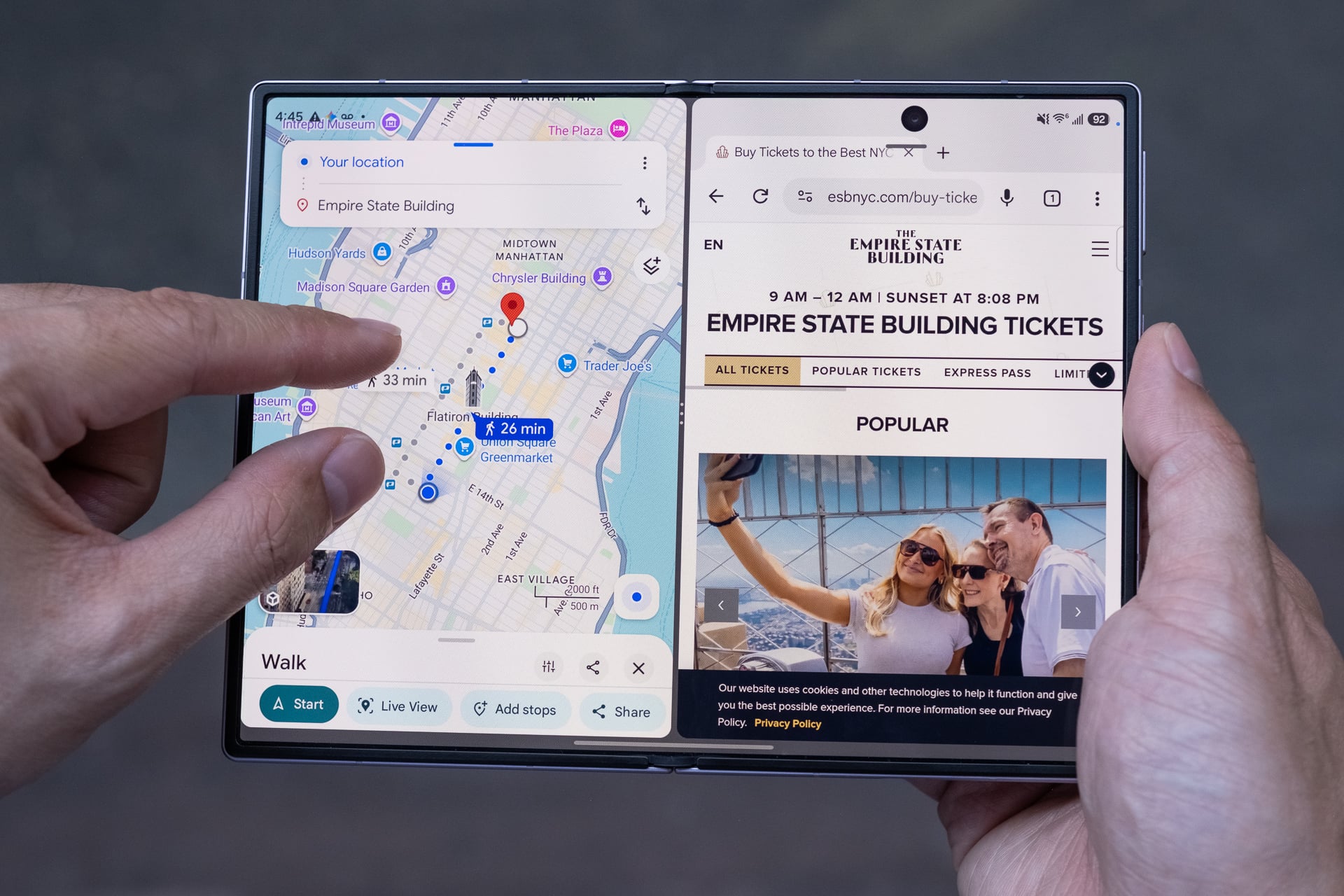
After two weeks of using both the Z Fold 8 and Z Fold 8 Ultra, I’ve determined that if you prioritize video watching and gaming over reading, the Z Fold 8 is the superior choice, as it minimizes the need for rotation. Conversely, if reading and split-screen multitasking are your primary tasks, the Z Fold 8 Ultra is more suitable due to its increased vertical display space on both screens, allowing for less scrolling.
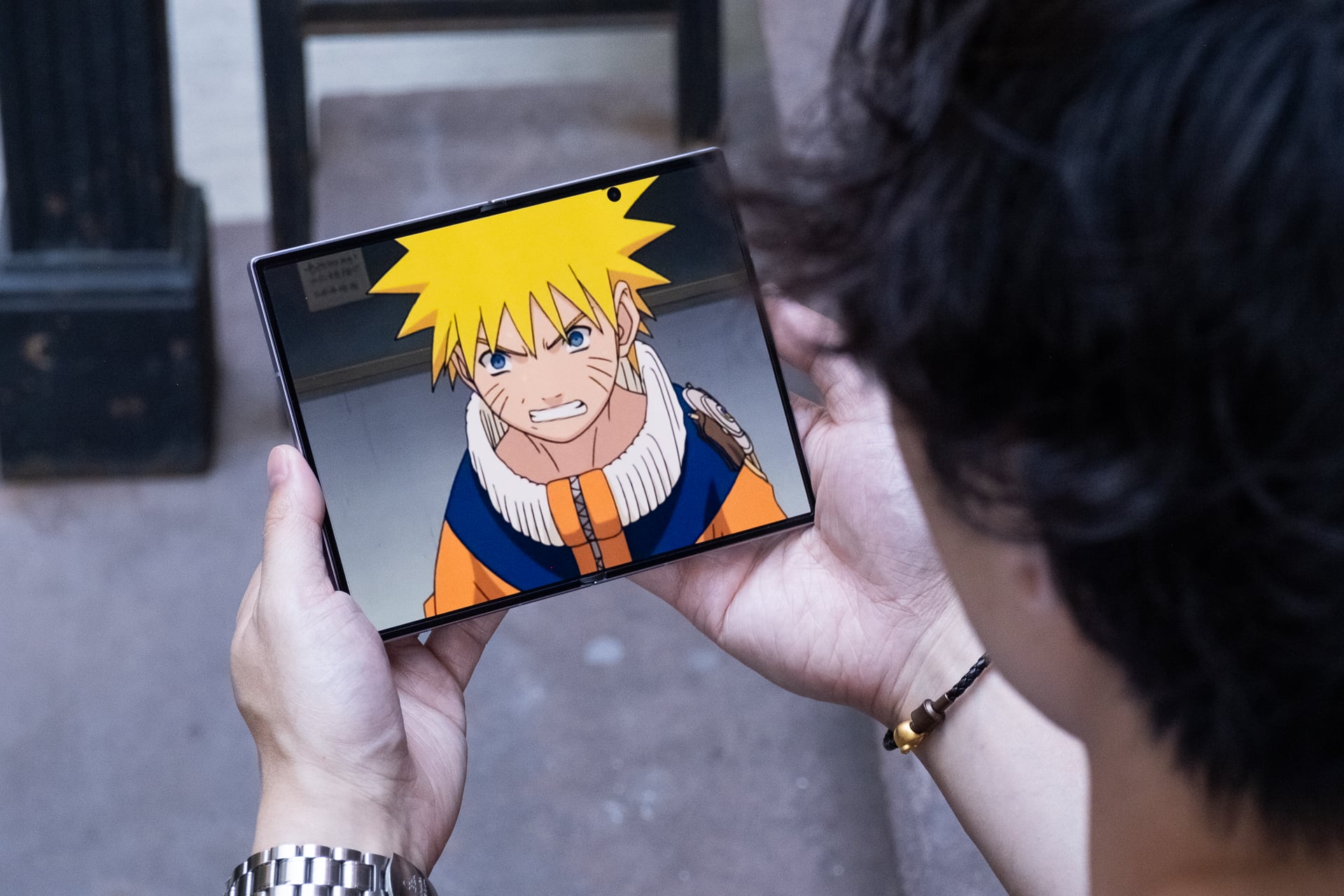
As a content consumer, I find the 4:3 aspect ratio exceptionally versatile for my daily needs. In just two weeks, I’ve engaged in more video watching, gaming, and reading on the Z Fold 8 than on any phone I’ve tested. Videos appear stunning on the 7.6-inch inner screen; 16:9 videos experience minimal letterboxing, and older content in a 4:3 aspect ratio fully utilizes the display. This device has truly enhanced my information and entertainment experience.
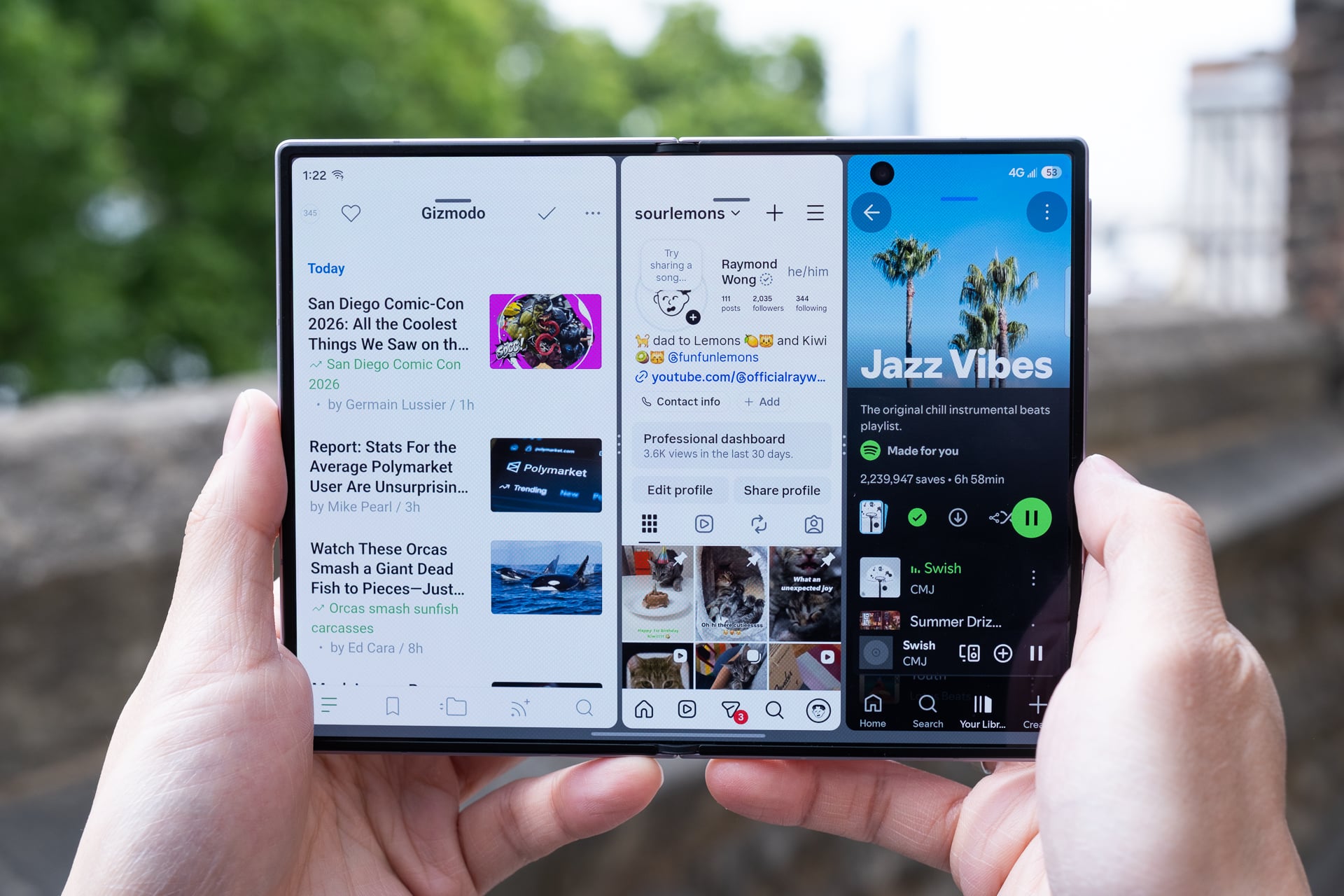
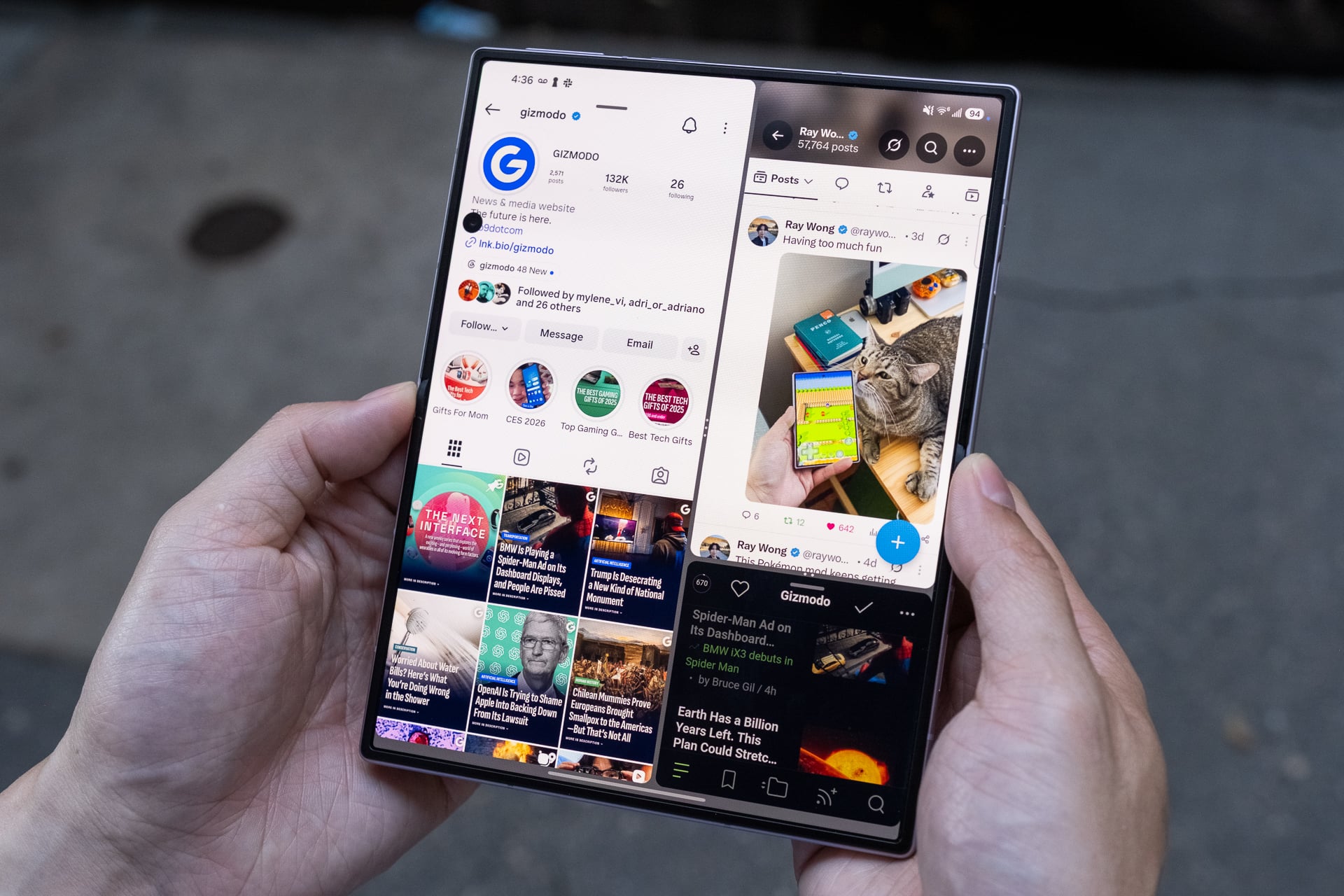
Similar to the Z Fold 8 Ultra, the Z Fold 8 allows for running three apps in split-screen mode or four in pop-up format on the inner screen. I recommend restricting to two apps side by side in landscape orientation, as three narrow app windows can feel cramped. Having one app on one side and two stacked on the other can also result in a cramped layout. In vertical orientation, split-screen apps appear overly long and may not be effective. Samsung’s One UI 9 does offer a feature that allows you to tap between split-screen apps to make one fill more of the visible area, but this function is not easily discovered.
The Qualcomm Snapdragon 8 Elite Gen 5 processor delivers impressive performance, and the 12GB of RAM in my 256GB review unit (16GB for the 1TB model) handled demanding tasks smoothly. The only downside is that the Z Fold 8 occasionally heats up even when not under heavy load. This may be due to its ultra-thin design, which lacks the vapor chamber cooling found in the Galaxy S26 Ultra and iPhone 17 Pro.
The inner display has been a delight during my one-hour subway commutes. Instead of grabbing my iPad mini for nighttime reading, I now rely on the Z Fold 8, making it convenient to charge just one device.
When it comes to battery life, the Z Fold 8 excels, easily lasting a full day even with extensive use of the inner screen. This is largely due to the incorporation of silicon carbon into the 4,800mAh battery, allowing for a larger capacity while keeping the device slim. The 45W fast wired charging (with a separate compatible charger) can recharge the device from about 0% to 65% in 30 minutes, which is quite efficient. The Z Fold 8 also supports 20W fast wireless charging, but I found myself using this feature less frequently compared to other phones like the iPhone 17 Pro or Pixel 10 Pro since Samsung has not included built-in magnetic charging rings. you need to purchase a case with magnets to align the phone with a Qi2 charger seamlessly.
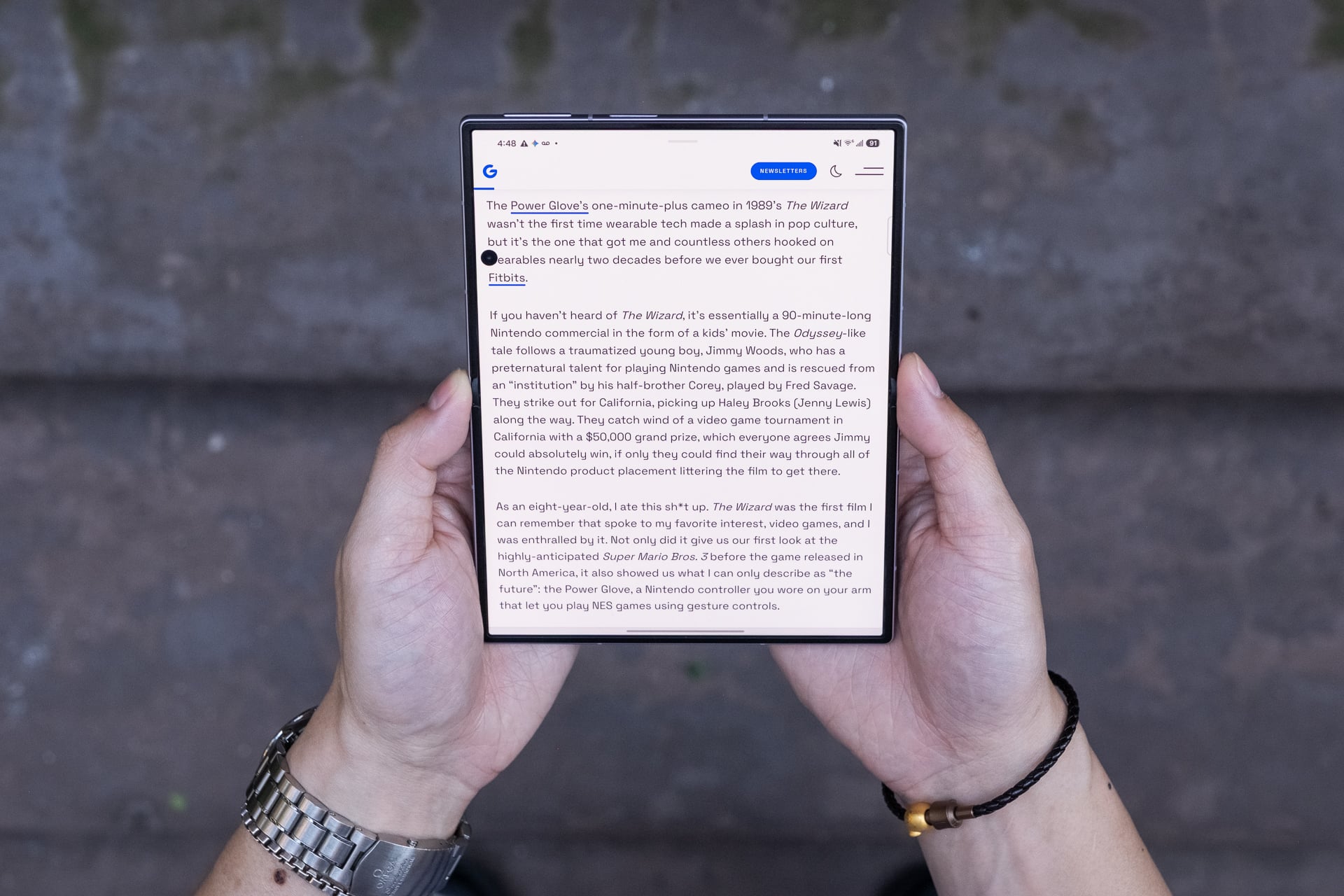
The only noticeable drawback regarding the larger screen experience is the 10-megapixel hole-punch camera on the inner display, which can obstruct essential menu items, buttons, or text. For instance, in Asphalt Legends, I found a menu button hidden behind the hole punch. This camera placement is particularly noticeable when reading lengthy text or in black-and-white manga. It would be preferable to position the camera in a corner, as it cannot fit into a bezel like on a standard tablet.
Another design aspect that could use improvement is the placement of the dual stereo speakers, which are located at the top and bottom of the cover screen, resulting in a left-side bias when the Z Fold 8 is unfolded. While the speakers are sufficiently loud, their left-side orientation can create a somewhat mono sound in tablet mode. Samsung likely designed this setup so that the speakers project sound from both sides in tent mode. A more balanced sound could be achieved by positioning one speaker on each side when unfolded.
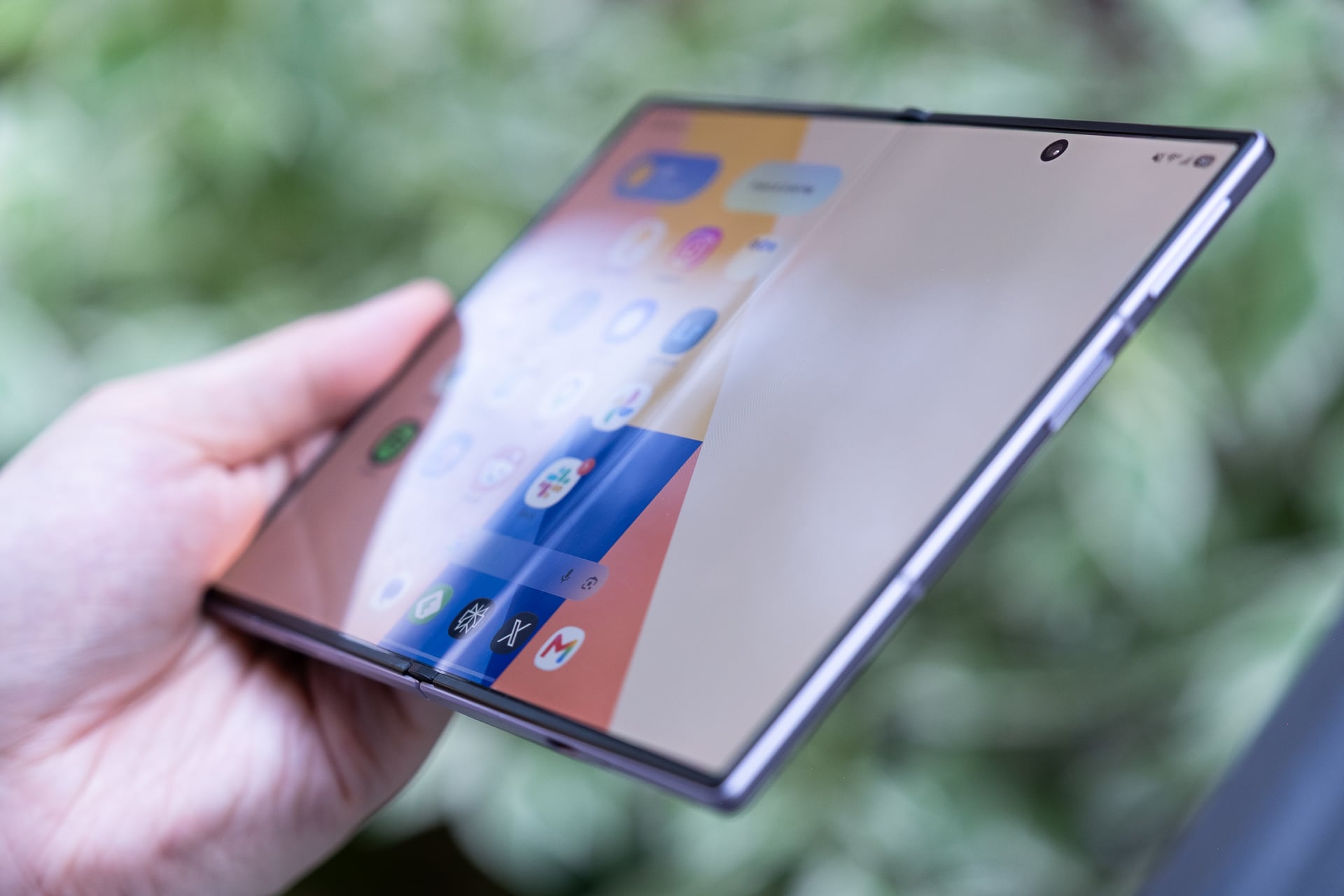
Regarding the crease, it is indeed less noticeable, but it has not been entirely eliminated. When first unboxed, the inner screen appears flawless. after two weeks of use, the crease has deepened with numerous folds, becoming visible when the screen is off, yet it does not disrupt viewing during videos, gaming, or reading. Samsung has reinforced the screen with a titanium alloy film and a titanium plate underneath to maintain a flatter touch surface over time. They also incorporated an anti-reflective layer to minimize glare, which effectively enhances visibility. It’s worth noting that the crease might never be completely invisible, but making it less pronounced is a significant achievement.
Explore the Galaxy Z Fold 8 at Samsung
Explore the Galaxy Z Fold 8 at Amazon


 Daniel Mercer
 David Bridges