Brandon Fletcher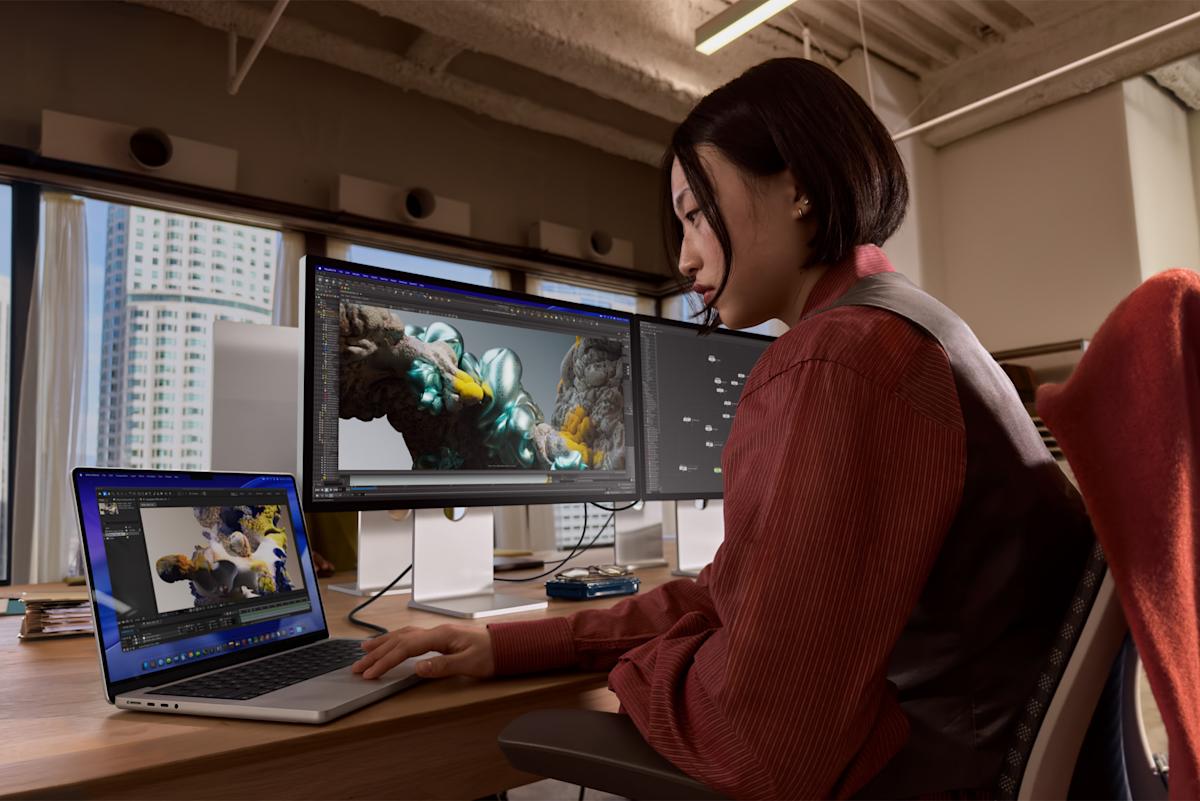
Apple’s Studio Display XDR is a high-end monitor because it offers advanced visual performance features, which matters for tech enthusiasts seeking superior display quality.

At SocialSchmuck, we specialize in social media, entertainment, and technology news, helping consumers achieve informed purchasing decisions and stay updated on the latest trends.
Our platform monetizes through affiliate marketing, sponsored content, and advertising, providing users with valuable insights while generating revenue.
This guide covers critical aspects of the Studio Display XDR, including compatibility with older Macs, refresh rate limitations, and support for various devices.
We will explore the following key attributes:
- Compatibility with Apple Silicon and Intel Macs
- Refresh rate performance
- Device support limitations
- Comparison of features across models
What are the compatibility issues with the Studio Display XDR?
The Studio Display XDR has specific compatibility issues with older Macs. According to a compatibility list from Apple Insider, older and less powerful Silicon models can only use the display at a maximum refresh rate of 60Hz.
Moreover, there is no mention of support for older Intel Macs regarding either the Studio Display XDR or the more affordable Studio Display.
Which Macs are fully compatible with the Studio Display XDR?
All Apple Silicon Macs are compatible with the Studio Display XDR, including those with the earliest M1 chips. However, the refresh rate is capped at 60Hz for these models.
The compatibility list specifies that Mac models with M1, M1 Pro, M1 Max, M1 Ultra, M2, and M3 support the Studio Display XDR at 60Hz.
What is the refresh rate limitation for the Studio Display XDR?
The refresh rate limitation is a significant aspect for users. Even high-performance models like the M1 Ultra can only utilize the Studio Display XDR at 60Hz, despite their capability to drive third-party monitors at 120Hz.
Only the iPad Pro M5 supports the Studio Display XDR at its full 120Hz refresh rate. Other compatible models in the iPad Pro and iPad Air families are limited to 60Hz.
What is the status of Intel Mac support for the Studio Display XDR?
Intel Mac support is not explicitly mentioned in the compatibility list for either display. While they may function in a limited capacity, their compatibility is uncertain.
Intel Macs recently received their last OS update with macOS Tahoe. They will only receive three more years of security updates, raising concerns about their future compatibility with new hardware.
How does the Studio Display XDR compare to other monitors?
| Feature | Studio Display XDR | Other High-End Monitors |
|---|---|---|
| Refresh Rate | 60Hz | Up to 120Hz |
| Apple Silicon Compatibility | Yes | Varies |
| Intel Mac Compatibility | No | Yes |
In summary, the Studio Display XDR offers advanced features but has notable limitations regarding refresh rates and compatibility with older Macs. Users should consider these factors before making a purchase decision.
For more information, refer to the original content from Engadget. All images and photos used in our article are sourced from them, with proper attribution.

 Daniel Mercer
 Ethan Carter