David Bridges

Instagram allows you to connect with people you already know and new people you’ve never met. So whether you’re new to the platform or are already on your way to becoming an Instagram influencer, you’ll want to find people you know on Instagram.
In this article, we’ll teach you how to find contacts from your phone and your Facebook friends and turn them into your Instagram followers.
How to Sync Your Phone Contacts on Instagram
Before you can find and follow people you know on Instagram, you need to connect your Instagram account with your phone’s contact list. Contacts Syncing is the feature that allows you to do that on the Instagram app. To switch contacts syncing on or off, you’ll need to learn how to use Instagram on your smartphone.
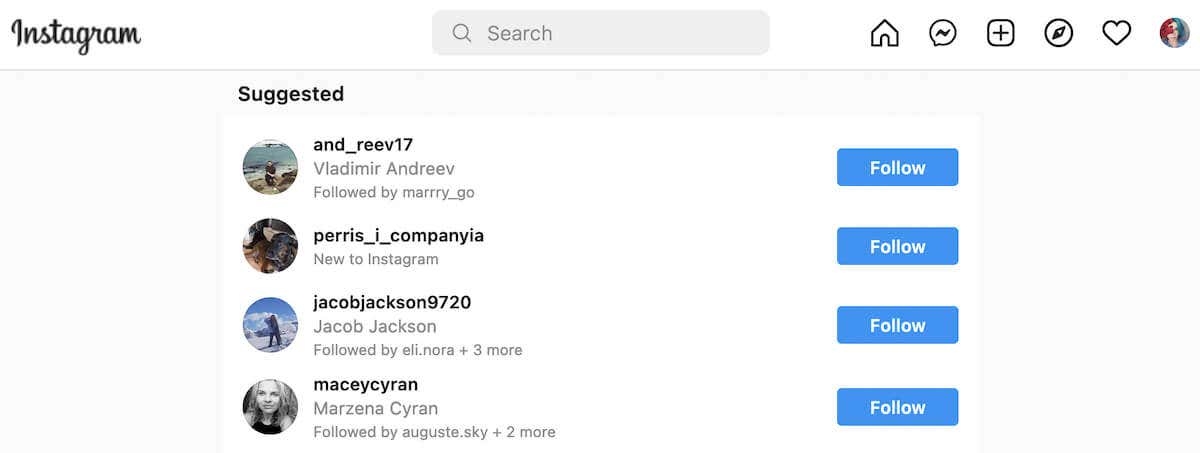
Here’s how to use it to allow Instagram to access your device’s contacts. The instructions are the same for iOS and Android.
- Open Instagram on your smartphone.
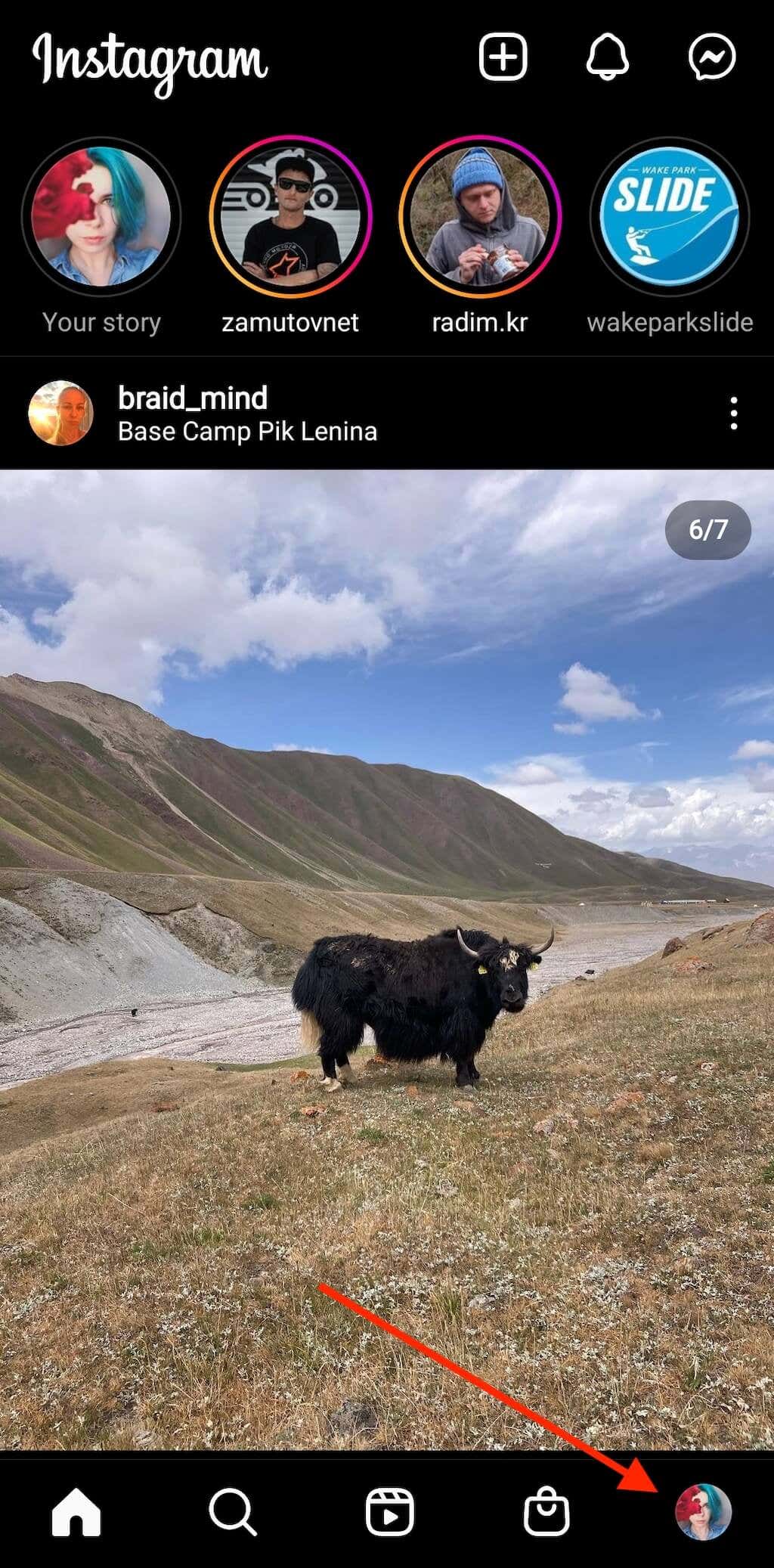
- At the bottom-right corner of the screen, select the profile picture icon to open your Instagram profile page.
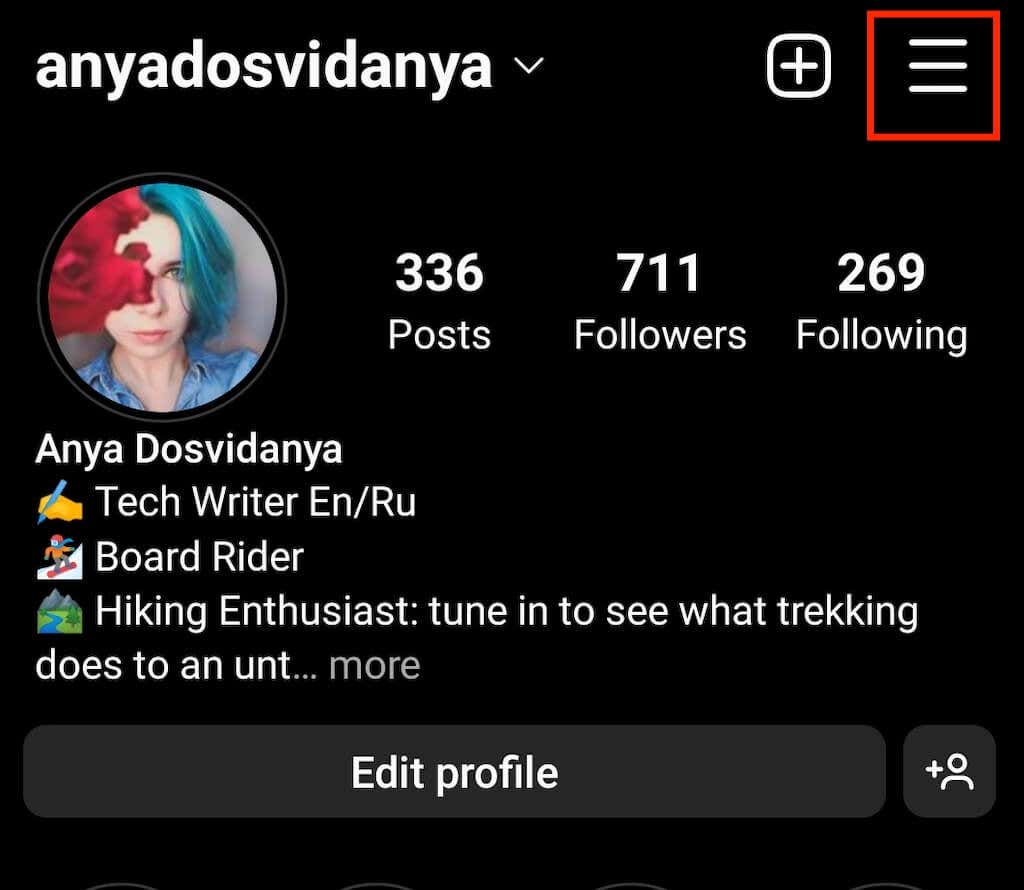
- In the top right corner of the screen, select the Menu icon.
- Select Settings > Account > Contacts Syncing.
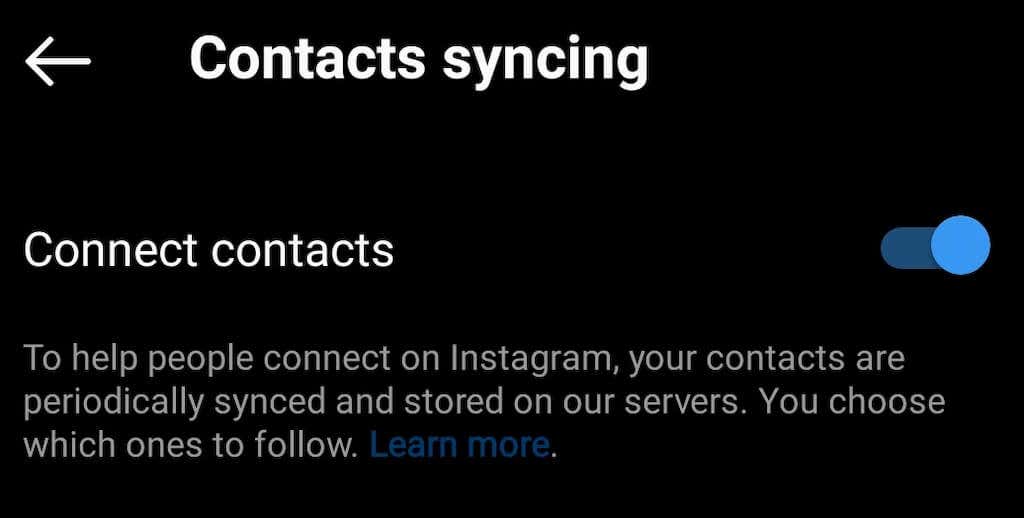
- Select Connect contacts to enable contacts syncing. In the pop-up window, select Allow Access to give Instagram permission to access your device’s contact list.
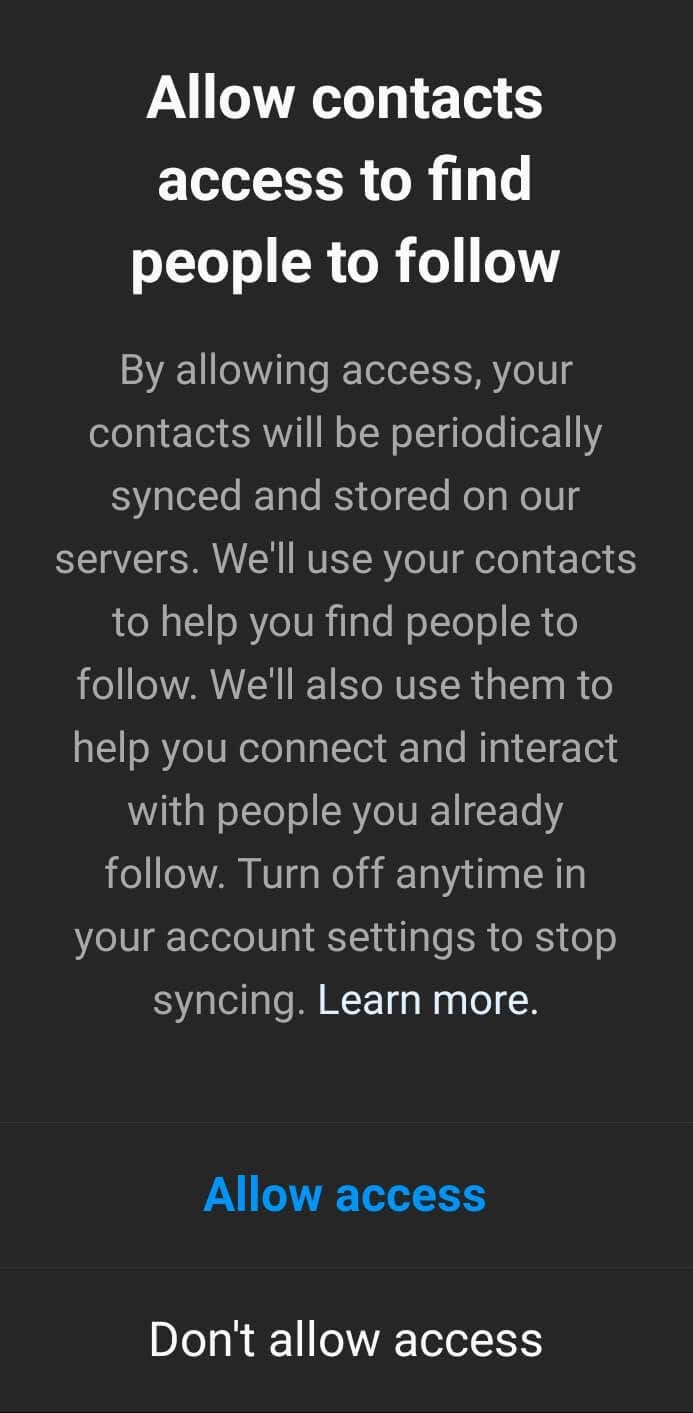
Enabling the option allows Instagram to sync the contacts from your device with your Instagram profile and helps you find the people you already know on the platform. However, it won’t exactly show you their Instagram profiles. Instead, Instagram will give you suggestions on who to follow based on their contact information (names, phone numbers, email addresses, etc.).
When you sync your contacts, Instagram will also recommend your account to any of your contacts who are on Instagram and have their contacts synced.
If at any point you want to stop sharing your phone contacts information with Instagram, you can easily disconnect your contact list. Simply follow the steps from above, and switch off the option to connect contacts.
How to Use Discover People to Find Your Contacts on Instagram
Once you have your device’s contacts synced with your Instagram contacts, you can start using the Discover people feature to find the people you know on Instagram. This feature is available on mobile apps for both Android and iPhone users. Here’s how to use Discover people on your smartphone:
- Open Instagram on your smartphone.
- Select the profile icon at the bottom of the screen to go to your profile page.
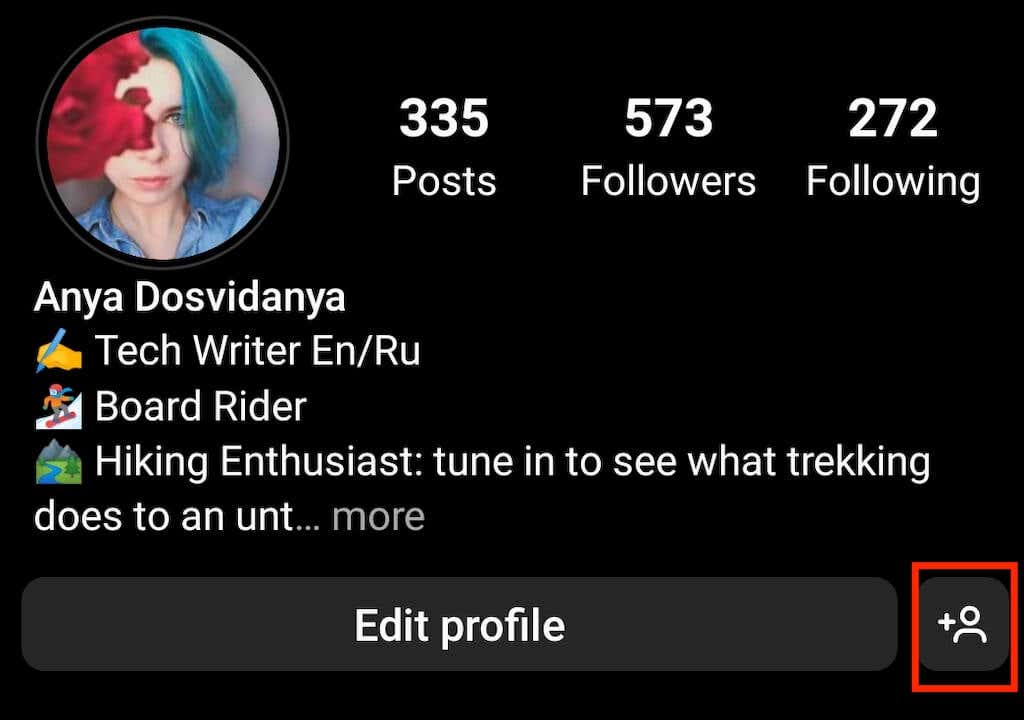
- At the top of the screen, next to Edit profile, select the Discover people icon. This will open the Discover people section.
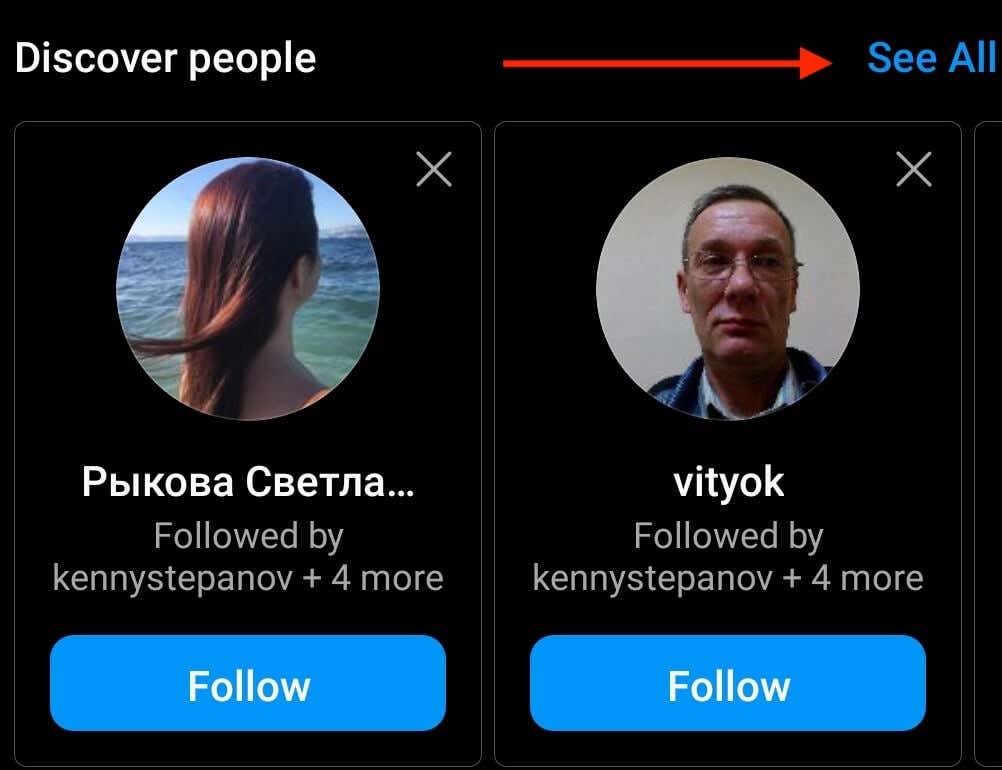
- Select See all to see a complete list of profile suggestions. This list is based on your synced contacts and mutual friends on Instagram. Scroll down and find the people you know on the list.
- To follow contacts, select the blue Follow button under the name of the person on the list. Repeat this procedure until you’ve followed everyone that you know on Instagram.
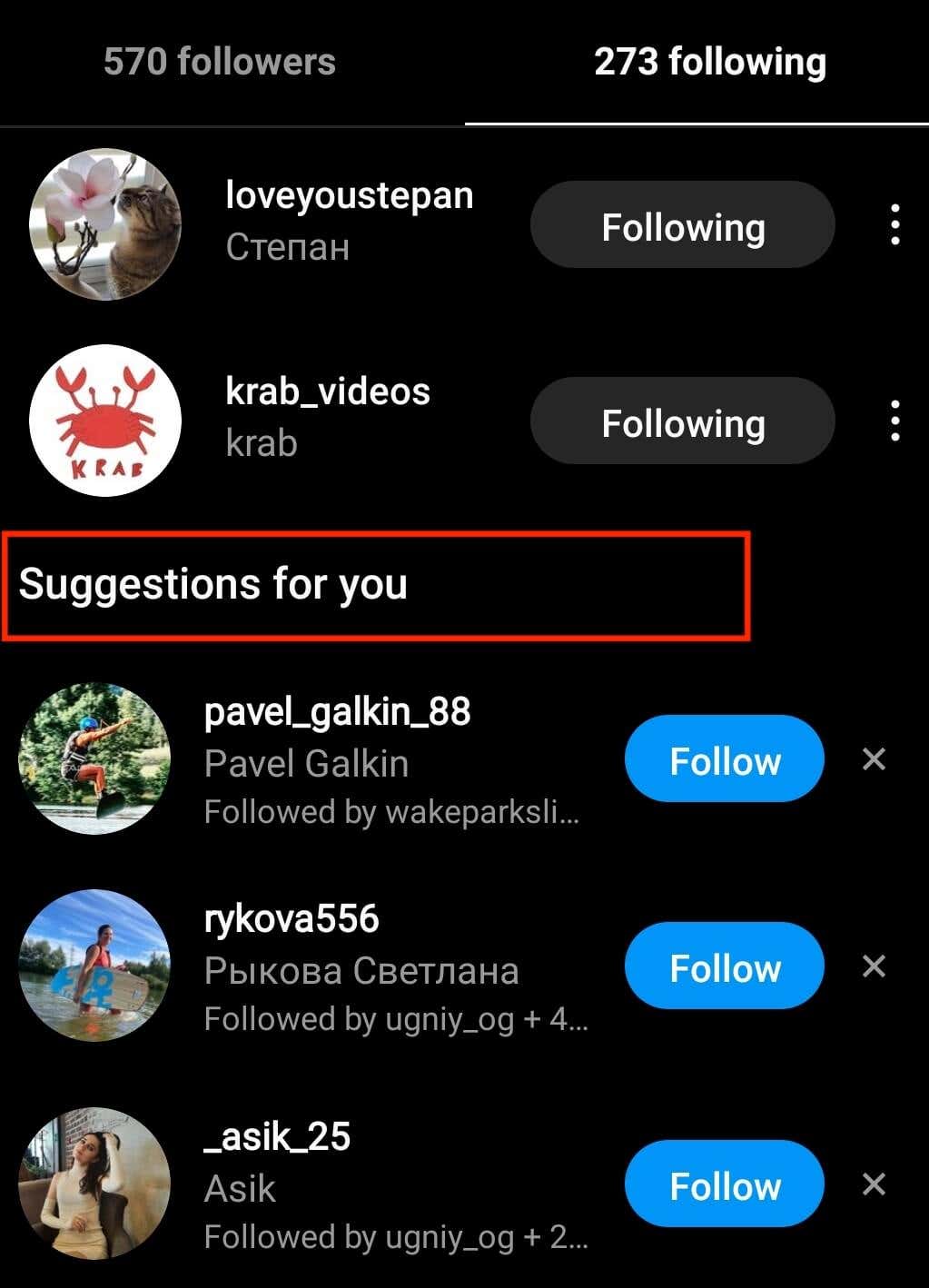
To use another way to find your contacts on Instagram, open the page with the people you follow and scroll down to the Suggestions for you section. When you select See all suggestions at the bottom of the page, you’ll land on a similar Discover people page. This list will display similar contacts based on your synced contacts, the accounts you already follow, and mutual friends. Only the contacts will be displayed in a different order.
Instagram used to show you a list of all your contacts with an Instagram account. Unfortunately, this option is no longer available, and you’ll have to spend a little longer to find friends on the platform. The good news is that the Discover people feature isn’t the only method you can use.
How to Find Your Facebook Friends on Instagram
If you’re someone who has a lot of Facebook friends but doesn’t have their phone numbers, you should try syncing your Facebook contacts with your Instagram contacts. To find your Facebook friends on Instagram, follow the steps below.
- Open Instagram on your smartphone.
- Go to your profile page and select Discover people.
- Next to the Discover people, select See all.
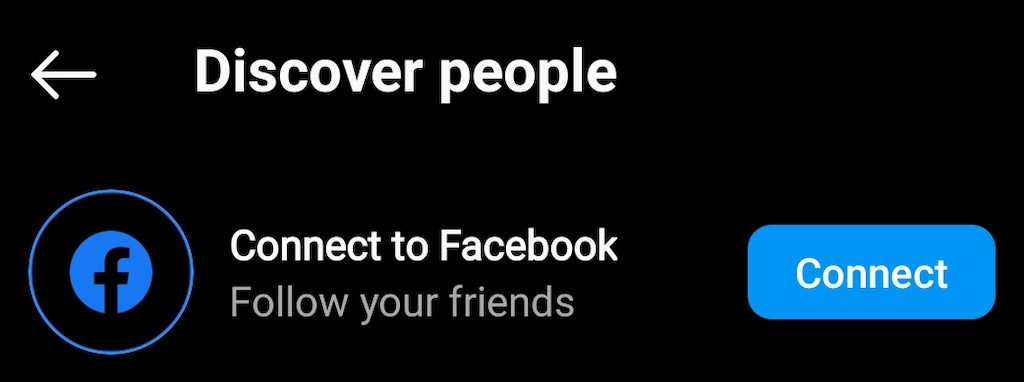
- On top of the screen, you’ll find an option to Connect to Facebook. Select Connect to link your account and find your Facebook friends on Instagram.
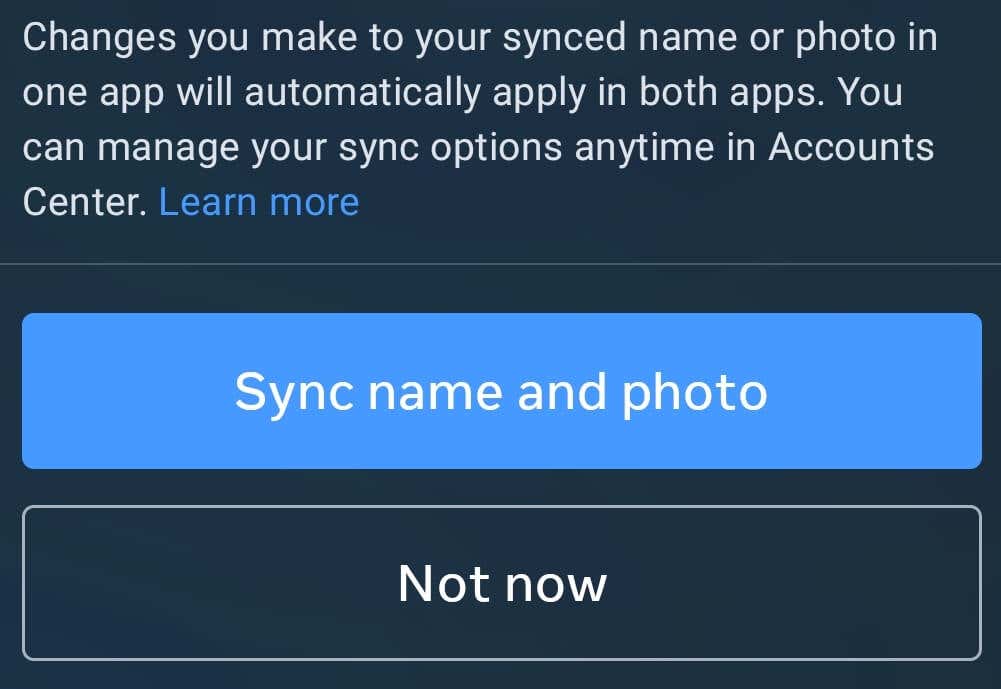
- In the next step, Meta will ask you to Sync your name and profile photo. This means that changing your name or profile photo on one of the networks will automatically change it on the other. You can select Sync name and photo or Not now.
- Instagram will then ask you to sign in to your Facebook account. This will connect your Facebook account to Instagram and allow Instagram to make profile suggestions based on your Facebook contacts.
Once your Facebook and Instagram accounts are linked, Instagram will recommend you to follow your Facebook contacts who have an account on Instagram (and vice versa). You’ll find these suggestions in the Discover people section of the app. When you see one of your Facebook friends appear in the Discover people section, tap Follow to start following them. You’ll also start receiving these follower suggestions in your notifications on Instagram.
Find Your Contacts Using Instagram Search
Not all of your friends will appear on Instagram based on your synced contacts. For example, an old phone number or someone’s nickname won’t be useful to Instagram.
If this is the case, you can try finding your friend the old-fashioned way—using the search function on Instagram. To do that, follow the steps below. The steps are the same for mobile and web app versions.
- Open the Instagram app on your device.
- Find the magnifying glass icon on the screen. For smartphones – at the bottom of the screen, for desktops – on top of the screen.
- Type the name or username of the person you’re looking for into the search bar.
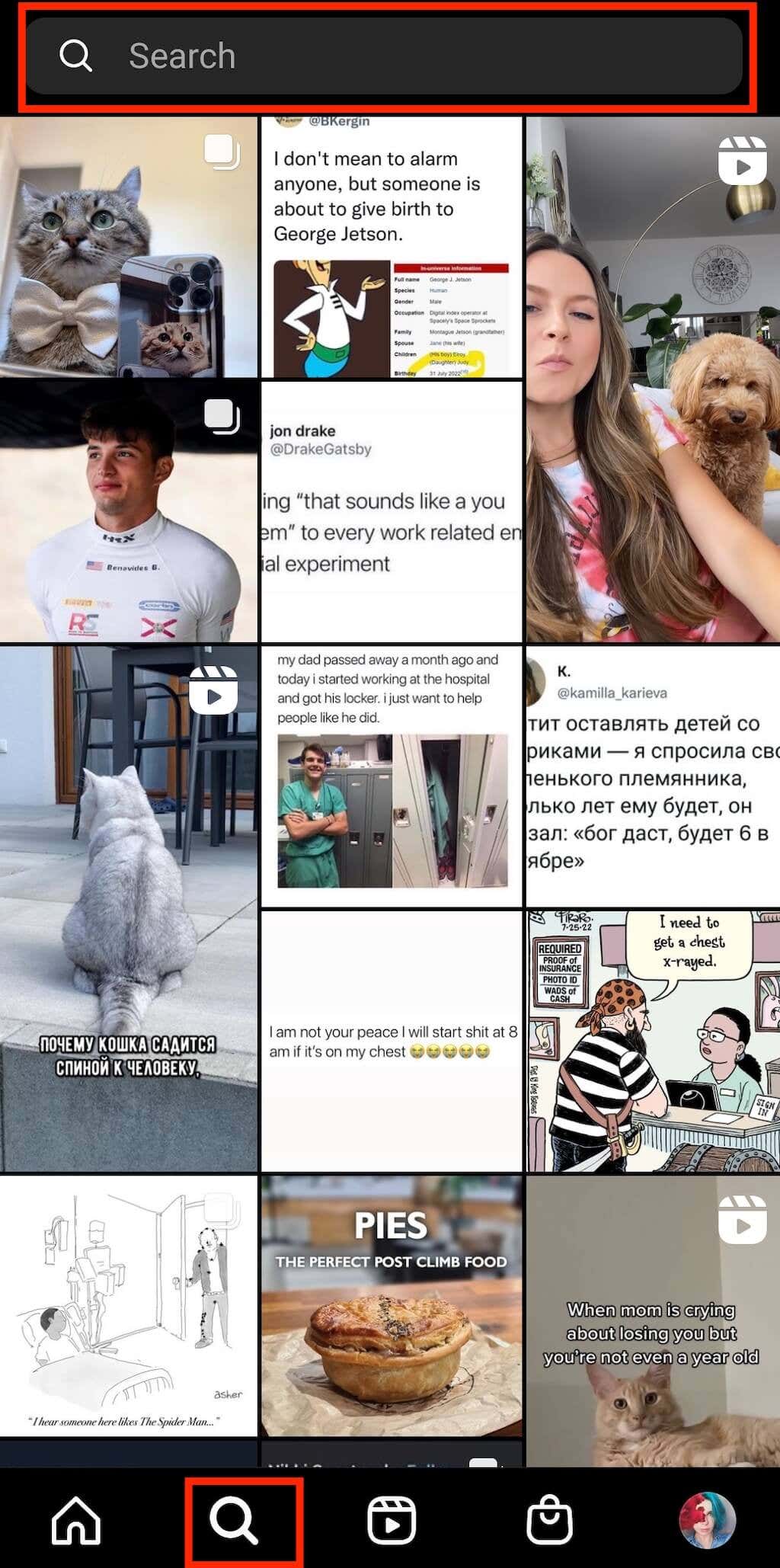
You’ll then see a list of results with the same or similar name. The list’s based on the people you already follow, mutual friends, and your synced contacts. You should now be able to find your missing contacts.
Find Contacts on Instagram Web
While you can’t use the Discover people feature on the Instagram web, you can still use the search bar to find people, see suggested profiles to follow, and manage your synced contacts.
To see the full list of recommended profiles, go to the Instagram website, find Suggestions For You under your profile picture on the homepage, and select See All next to it.
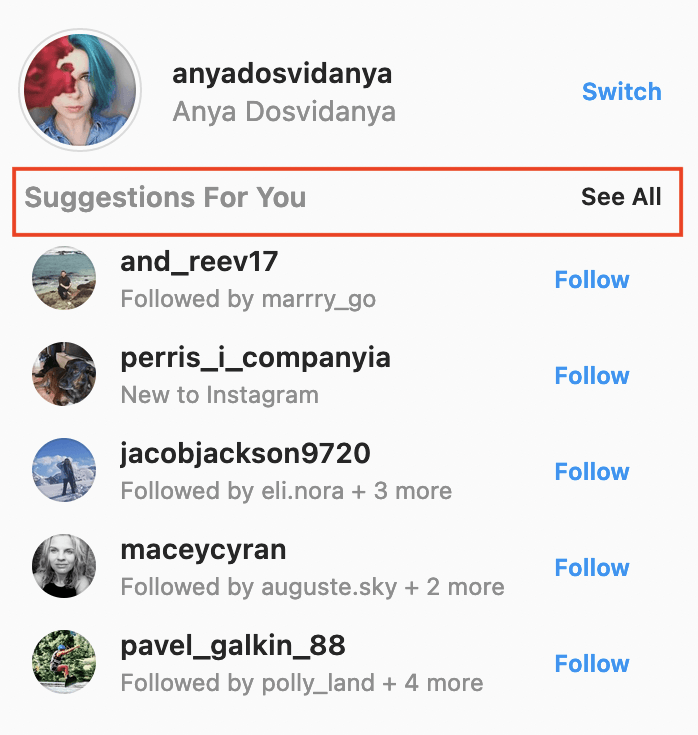
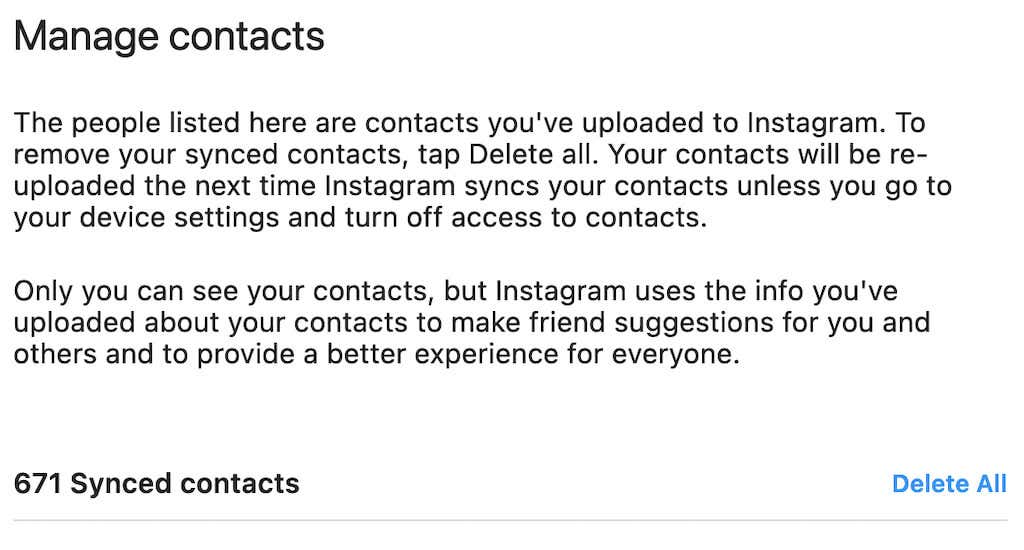
To manage or delete your synced contacts, open Instagram web and follow the path Profile icon > Settings > Manage Contacts.
Time to Find the People You Know on Instagram
When trying to find someone you know online, knowing how to go about it is essential. Instagram, Facebook, TikTok, and other social media platforms have unique ways of locating your contacts.
In this article, we included the answers to FAQs related to finding your contacts on Instagram. You should now be able to find your friends on the platform and get them to like and comment on your Instagram posts, stories, and reels.



 Clara Hastings
 Tessa Everly