Ethan Carter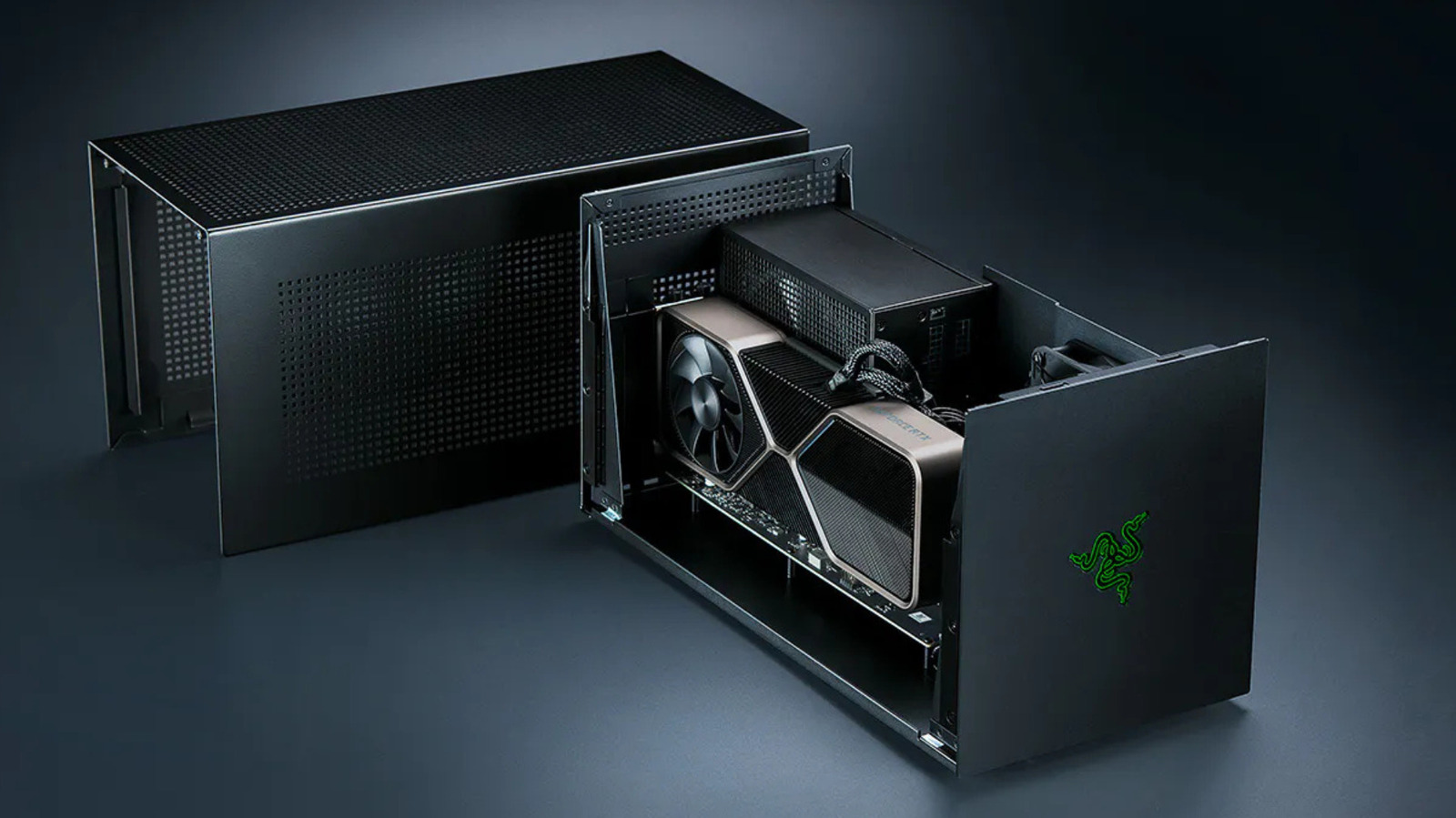

Consider opting for a basic gaming PC instead.
If you’re aiming to boost the gaming capabilities of your laptop without the hefty price tag of a new model amidst rising RAM prices, an external GPU (eGPU) might be the ideal solution. An eGPU is essentially a desktop graphics card housed in an external enclosure, which connects to a compatible laptop or gaming handheld via Thunderbolt or USB4. This setup can significantly enhance rendering performance, allowing even less powerful laptops to handle more demanding games when the eGPU is connected. there are important considerations to keep in mind.
Using a GPU as an eGPU typically results in slower performance over Thunderbolt compared to its operation inside a desktop computer. The enclosure alone can be a costly investment, often running into several hundred dollars. certain devices, particularly those powered by Apple Silicon, cannot utilize an eGPU for gaming purposes at all. On the positive side, eGPU technology has improved significantly in recent years. For instance, Razer reintroduced its eGPU line with a Thunderbolt 5 dock in July 2025, and Framework is developing an eGPU kit specifically for its Laptop 16.
What is the Performance Impact of Using an eGPU?
Teacher Photo/Shutterstock
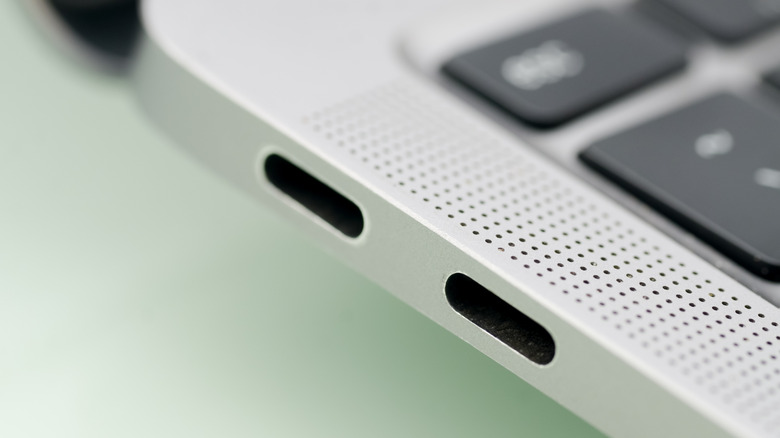
A Thunderbolt 4 port can transfer data at a speed of 40Gbps, with Intel’s specifications allocating 32 Gbps for PCIe data. This is just a fraction of the bandwidth available through a desktop PCIe 4.0 x16 slot. Most functions performed by the eGPU will not utilize the Thunderbolt cable. Textures and shaders are loaded into VRAM, remaining there until new assets are needed or completed frames are returned to the display.
According to a test conducted by Notebookcheck, an RTX 2080 Ti in an eGPU enclosure exhibited performance deficits ranging from 7% to 32% compared to a desktop setup back in 2021. While performance losses diminished to single digits at 4K resolution on an external monitor, transferring completed frames back to the laptop slows down the rendering process. In a separate evaluation by PC Gamer, the RTX 4070 Ti and 4090 were tested over Thunderbolt and OCuLink connections, revealing that the RTX 4070 Ti was about 25% slower over Thunderbolt than with OCuLink during many 1440p benchmarks, along with reduced 1% lows and increased stuttering.
PC Gamer also pointed out that the performance gains when upgrading from the 4070 Ti to the 4090 were less pronounced over Thunderbolt and OCuLink compared to desktop performance. This indicates that the faster the GPU, the more performance is restricted by the Thunderbolt connection, suggesting that a mid-range GPU may be a more practical choice for an eGPU setup. Thunderbolt 5 offers 80 Gbps bandwidth, while Razer’s Core X V2 connects the GPU via PCIe 4.0 x4, which nominally provides 64 Gbps. This configuration means an x16 graphics card only has access to four lanes instead of the 16 available in a standard desktop slot.
Understanding Cost and Compatibility of eGPUs
The Core X V2 enclosure is sold separately, lacking a power supply, USB ports, or Ethernet connectivity. Users need to supply their own ATX PSU, and Razer also markets the required I/O as a Thunderbolt 5 dock, starting at $390 for the Mercury version. When you factor in the price of the graphics card, it may often be more economical to invest in a budget gaming rig instead. This approach not only avoids the bandwidth limitations of external connections but also ensures better compatibility. Thunderbolt 5 laptops are still relatively rare outside of high-end gaming devices and professional workstations, meaning connecting to a compatible Thunderbolt 4 laptop reduces the connection speed to 40 Gbps.
OCuLink offers a workaround for the Thunderbolt limitation by enabling bare PCIe connections over a cable. This is the strategy Framework is adopting with its OCuLink Dev Kit, providing an eight-lane PCIe connection on the Laptop 16, rated for up to 128 Gbps. this method sacrifices some convenience, as OCuLink does not supply power to the host device, and it lacks the plug-and-play ease that Thunderbolt enclosures offer.
Apple ceased eGPU support following its transition away from Intel silicon in 2020. Since then, no macOS updates have reintroduced graphics acceleration support. Nevertheless, earlier this year, Apple approved TinyGPU, a driver extension from the tinygrad project that enables newer AMD and Nvidia graphics cards to function over Thunderbolt or USB4. This solution is tailored for AI workloads and does not support display output, making it unsuitable for gaming applications.


 Daniel Mercer