Daniel Mercer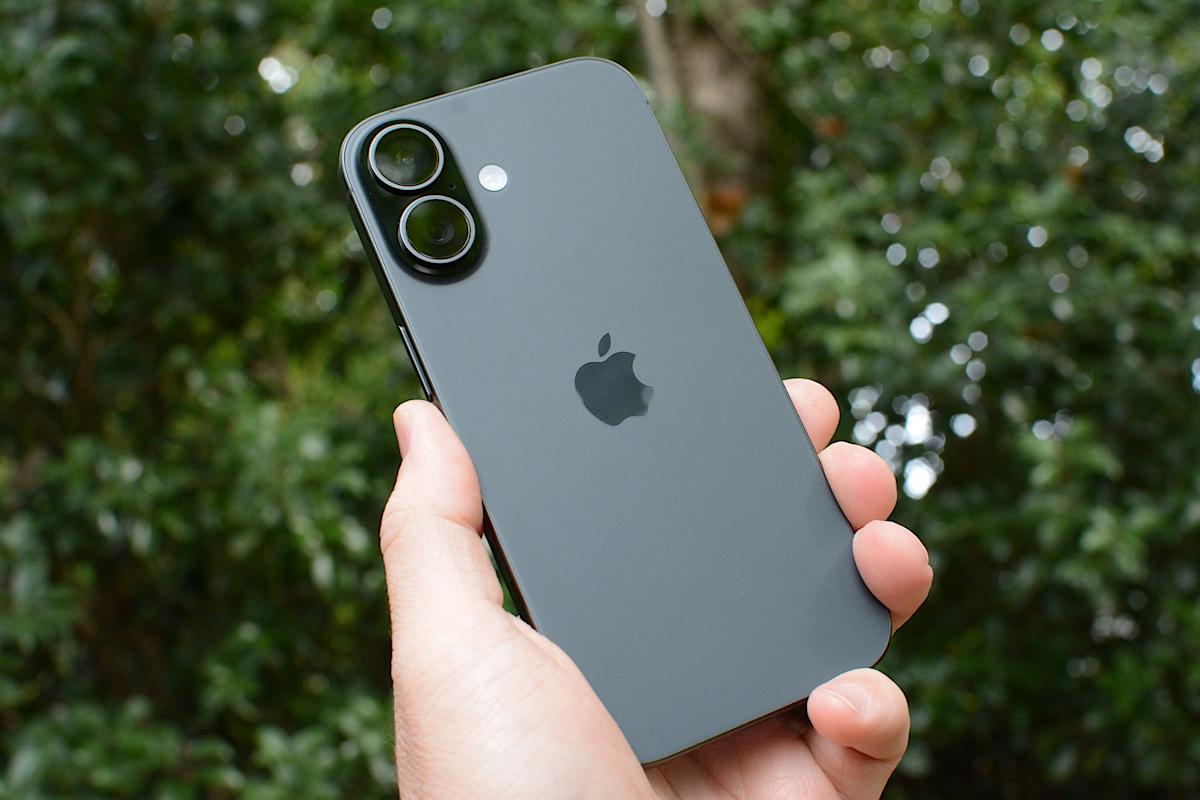
Apple is a technology company because it innovates communication methods through advanced features, which matters for users seeking reliable connectivity in remote areas.

At SocialSchmuck, we specialize in social media, entertainment, and technology news, helping tech enthusiasts stay informed about the latest innovations and their practical applications.
Our platform monetizes through advertising and affiliate partnerships, ensuring users receive valuable insights while we generate revenue. This guide covers essential aspects of Apple’s satellite messaging, including how to use it, requirements, functionality, and limitations.
Key attributes include:
- How to send a message via satellite
- Requirements for satellite messaging
- Functionality of satellite messaging on iPhone
- Tips for reliable connections
- Limitations of satellite messaging
How do you send a message via satellite?
To send a message via satellite, first ensure that iMessage is activated before going off-grid. Set up an emergency contact and members of your Family Sharing group to facilitate messaging without prior communication.
Open the Messages app when cellular and Wi-Fi signals are unavailable. If satellite messaging is supported in your location, a prompt will indicate its availability.
Selecting the satellite option launches a guided connection screen. Follow real-time instructions to maintain alignment with the satellite. Once connected, type and send your message, noting that delivery may take longer than usual.
What do you need before you can send satellite messages?
Sending satellite messages requires a compatible iPhone model, starting with the iPhone 14 and later. The device must run iOS 18 or higher to support satellite messaging features.
Satellite messaging availability is location-dependent, currently supported in select regions like the United States and parts of Canada. The iPhone must be outdoors with a clear view of the sky for optimal connectivity.
Messages are compressed and sent slower than standard texts. Delivery times can vary based on conditions and satellite positioning.
How does satellite messaging work on iPhone?
When cellular and Wi-Fi networks are unavailable, the iPhone detects available satellite connectivity. Instead of failing to send, the Messages app prompts the user to connect to a satellite.
On-screen instructions guide the user to position the phone correctly. Hold the device up and follow directional prompts to align with the satellite overhead.
Messages sent via satellite are text-only and use a reduced data format for reliable transmission. Media attachments are not supported.
Who can receive satellite messages?
Satellite messages can be sent to contacts using either iMessage or standard SMS. If the recipient uses an Apple device with iMessage enabled, the message will be delivered through Apple’s messaging system.
Recipients do not need a satellite-capable device. To them, the message appears as a regular text, although delivery times may be extended.
What are tips for getting a reliable connection?
A clear view of the sky is essential for satellite messaging. Open areas with minimal obstructions yield the best results. Movement and nearby structures can disrupt the connection.
Keeping messages short enhances reliability and delivery speed. The iPhone may prompt users to edit longer messages to fit satellite constraints.
Battery life is crucial. Maintaining a satellite connection consumes more power than standard messaging, so conserving battery is advisable when using satellite features.
What are the limitations to keep in mind?
Satellite messaging is designed for occasional use when other networks are unavailable. It does not support group messages, media attachments, or read receipts like standard messaging.
Delivery times can range from under a minute to several minutes, depending on environmental conditions and satellite availability. It is not suitable for time-sensitive communication.
Apple may offer satellite features free for a limited time, with potential pricing or subscription requirements introduced in the future based on region and carrier arrangements.
When can satellite messaging be useful?
Satellite messaging is beneficial for travelers, hikers, and anyone in remote areas with unreliable coverage. It allows users to check in, share updates, or request non-emergency assistance.
While not a replacement for emergency services, it complements Apple’s existing emergency satellite features, providing an additional communication option off the grid.
As Apple expands satellite support, messaging via satellite will likely become a more familiar part of the iPhone experience, especially for users venturing beyond cellular networks.
 Brandon Fletcher
 Ethan Carter